
Navimow Light Colors: What Blue, Yellow, White and Red Mean
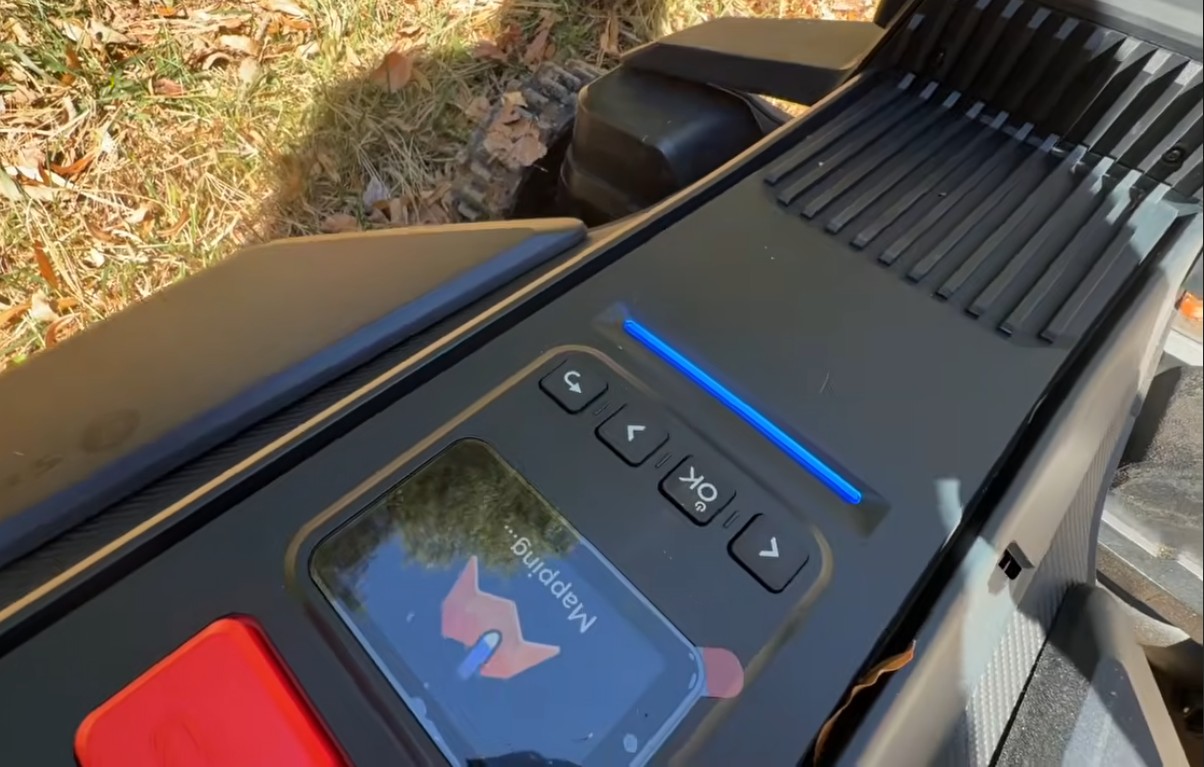
Blue means everything is good. Yellow means the mower has lost its positioning signal. White means the cameras have seen something. Red means stop and look at the app.
A Navimow’s ambient light is the fastest status readout you have: faster than opening the app, and it tells you the one thing that matters most on an RTK mower, which is whether it knows where it is. Here’s every color, what we see it mean on installs, and what to do about each one.
Every Navimow light color at a glance
| Light | What it means | What to do |
|---|---|---|
| Solid blue | Stable satellite fix with its RTK correction. Standing by, mapping, mowing or returning home | Nothing. This is the one you want |
| Pulsing yellow | Poor positioning signal: outside the antenna’s reach, or a weak NetRTK link, or the antenna moved, lost power or was never paired | Wait for blue; if it’s the same spot every day, fix the antenna (below) |
| White | The cameras have spotted something and the mower is steering around it (flashing white: blades about to start; pulsing white: firmware update) | Nothing |
| Solid red | An error. The app has the code and the fix | Open the app |
| Flashing red | Lifted, tilted or turned over | Set it back down |
| Pulsing green / solid green | Charging / fully charged | Nothing |
That’s the table from Navimow’s X3 series manual. The X4 series (X430 and X450) behaves the same way on our installs. The four you’ll see in a normal week are blue, yellow, white and green.
What does a blue light mean?
Positioning is good. The mower has enough satellites in view and the RTK correction is arriving, whether from your own antenna over its 900 MHz-band radio or from NetRTK over cellular. It’s solid blue while it waits at the dock, while you map (the photo at the top of this post), while it mows and while it drives home.
Blue is also how we test an antenna placement. On every install we drive the mower to the farthest corner of the lawn and into the trees and watch the light. On our Phoenixville install, the far side of the lawn is about 75 feet from the antenna through a line of trees, and the light is blue out there. On our Paoli range test we pushed it until the light changed, which is how we know the clear-sky range is around 600 feet.
What does a yellow light mean, and what should I do?
The mower has a poor positioning signal. Navimow’s manual calls it pulsing yellow: the mower is awake and working, but it has gone outside what its RTK antenna or its cellular connection can deliver, so it doesn’t trust its own position. It will usually wait where it is and resume by itself when the light goes blue.
What’s behind it depends on which correction path the mower runs:
- On the local antenna: the mower is past the antenna’s reach. Navimow rates each antenna for about a 200-meter radius, roughly 600 feet, with a clear line of sight, and through trees you should plan on about half that. Or the antenna has been moved, lost power, or was never switched on in the app. (A Navimow ships on NetRTK, and mounting the antenna is not the same as using it. How to switch to local RTK.)
- On NetRTK: the cellular or Wi-Fi link carrying the corrections has dropped. On a property with weak cellular, this is the mower telling you it needs either stronger Wi-Fi over the lawn or the antenna in the box.
Navimow’s own yellow-light checklist is short: was the charging station or the antenna moved? Is the Signal Enhancement Antenna powered, if you have one? Is the station tucked against a wall? Then run the Antenna Location Finder (Settings, MOWER, Maintenance & Tools) to find a better spot. The Satellite Signal Analyzer in the same menu tells you how many satellites the mower and the antenna can both see; Navimow wants at least five of those co-visible satellites.
The rule of thumb from a season of installs: yellow in a different place every day is weather or a passing dropout. Yellow in the same corner every day is geometry. That corner is at the edge of a coverage circle, and the fix is almost always height: the antenna above the roofline, where it sees about 120 degrees of open sky, reaches corners a staked antenna never will. Where to install the antenna has the four rules, and for a lawn one antenna can’t cover, the Signal Enhancement Antenna adds a second.
What does a white light mean?
The mower is using its cameras or getting ready to cut, not reporting a problem. In the field you’ll see white most often when the mower comes up on an obstacle: the cameras have spotted it, the mower slows and steers around it, and it takes a picture of what it saw. That’s the VisionFence system doing its job, and it’s why a small object 3 inches or taller doesn’t need a no-go zone.
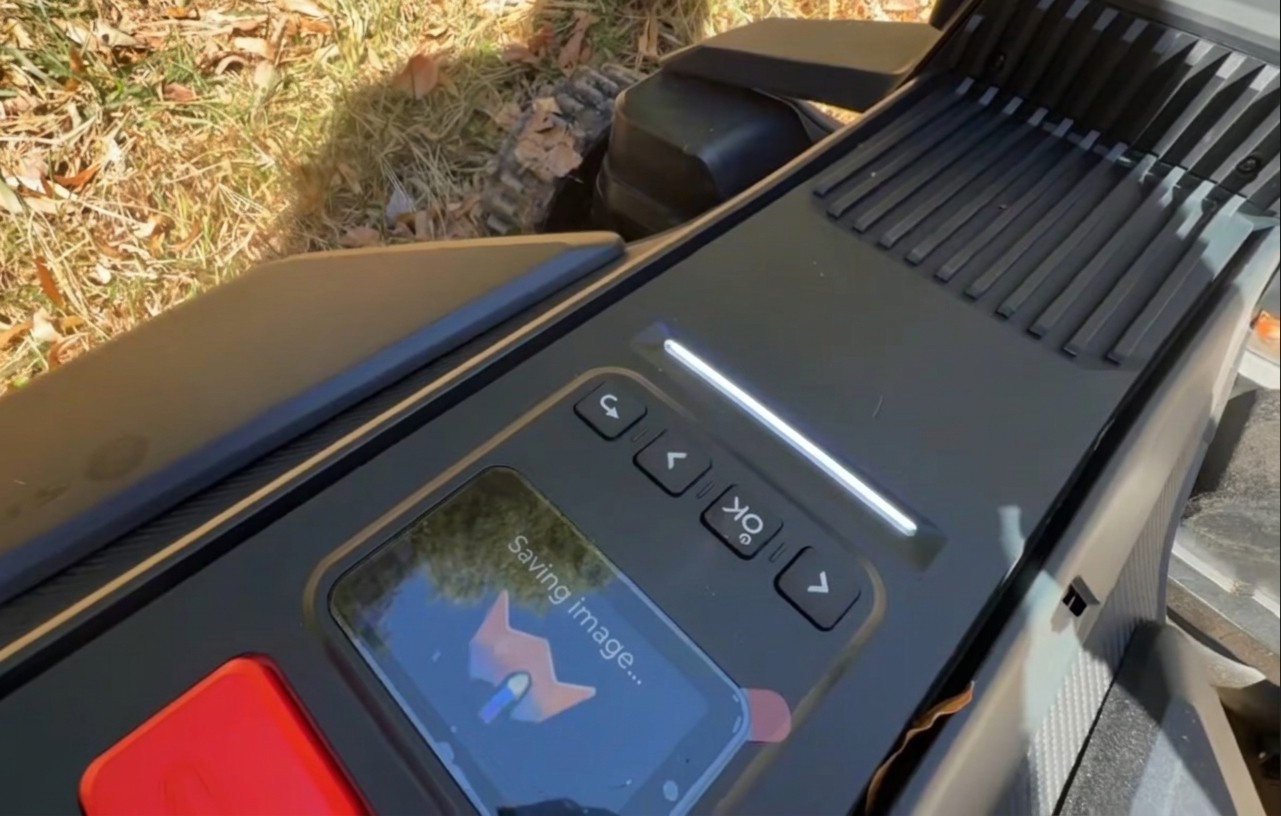
The light also flashes white for a moment before the blades start, and pulses white while a firmware update runs. None of these need anything from you.
What do red and green mean?
Red is the only color that means stop. Solid red is an error; the app shows the code and what to do about it. Flashing red means the mower has been lifted, tilted or turned over, which stops the blades instantly. Set it back down on the lawn and the light clears. (A locked mower asks for your PIN on the mower or in the app before it will do anything.)
Green is charging. Pulsing green on the mower means it’s charging; solid green means the battery is full. The charging station has its own LED that shows charging status in green, and a green light after the dock auto-check on install day is the app’s confirmation that the antenna and station are placed well.
Which lights mean call for help?
Two, and only when they repeat:
- Yellow in the same spot, day after day, after you’ve checked the antenna is powered, paired and switched on. That’s a placement problem, and raising or moving the antenna (or adding the second one) is a job we do on mowers we didn’t sell.
- Solid red that won’t clear after you’ve followed the app’s steps.
Everything else is the mower talking to itself. If you’ve got one of those two, open a support ticket and tell us the color and where it happens; a photo of the antenna helps.
The short version
- Blue: good fix. Mow on.
- Yellow: lost positioning. Wait for blue; same spot every day means fix the antenna.
- White: cameras saw something, blades starting, or a firmware update.
- Red: solid is an error, flashing is lifted or tilted.
- Green: charging or full.
Every signal fix, in one place: the robot mower signal and RTK guide.
Get help with a yellow light
Zippy Lawnz is an authorized dealer and service center for Segway Navimow, Mammotion, Yarbo and Lopkin, with hands-on installs across Pennsylvania, New Jersey, Maryland, Delaware, Virginia and Colorado. We place and raise antennas, add the second one, and service mowers we didn’t sell.
- 🎧 Open a support ticket — tell us the color and where it happens.
- 📍 Check my lawn — free — your property’s sky view and signal, measured from satellite before anything gets mounted.
- 📞 Call or Text Us: 410-725-7500
Frequently asked
Why is my Navimow's light yellow?
Pulsing yellow means the mower has a poor positioning signal. It's outside what its RTK antenna or its NetRTK cellular connection can deliver, or the antenna was moved, unplugged or never paired. The mower will usually wait, and it resumes on its own when the light goes blue. If it goes yellow in the same spot every day, that spot is at the edge of the antenna's reach, which with trees in the way is about half the rated 600 feet. Raising the antenna is the usual fix.
What does a blue light on a Navimow mean?
Everything is good. Solid blue means the mower has a stable satellite fix with its RTK correction, whether it's standing by, mapping, mowing or heading home. On an install we drive the mower to the farthest corner and under the trees and look for blue there before we call the antenna placement done.
What does a white light on a Navimow mean?
The mower is doing something with its cameras or blades, not reporting a problem. In the field, white means the cameras have spotted something ahead and the mower is steering around it (it takes a picture of the obstacle too). The light also flashes white just before the blades start and pulses white during a firmware update. Nothing to do.
What does a red light on a Navimow mean?
Stop and look at the app. Solid red is an error with a code the app will show you. Flashing red means the mower has been lifted, tilted or turned over, which stops the blades instantly. Set it back down on the lawn and the light clears.
Does the charging station have a light too?
Yes. The charging station's LED shows the charging status in green. On the mower itself, pulsing green means it's charging and solid green means the battery is full. A green light at the dock after the auto-check is also how the app confirms the antenna and station are placed well.
Keep reading
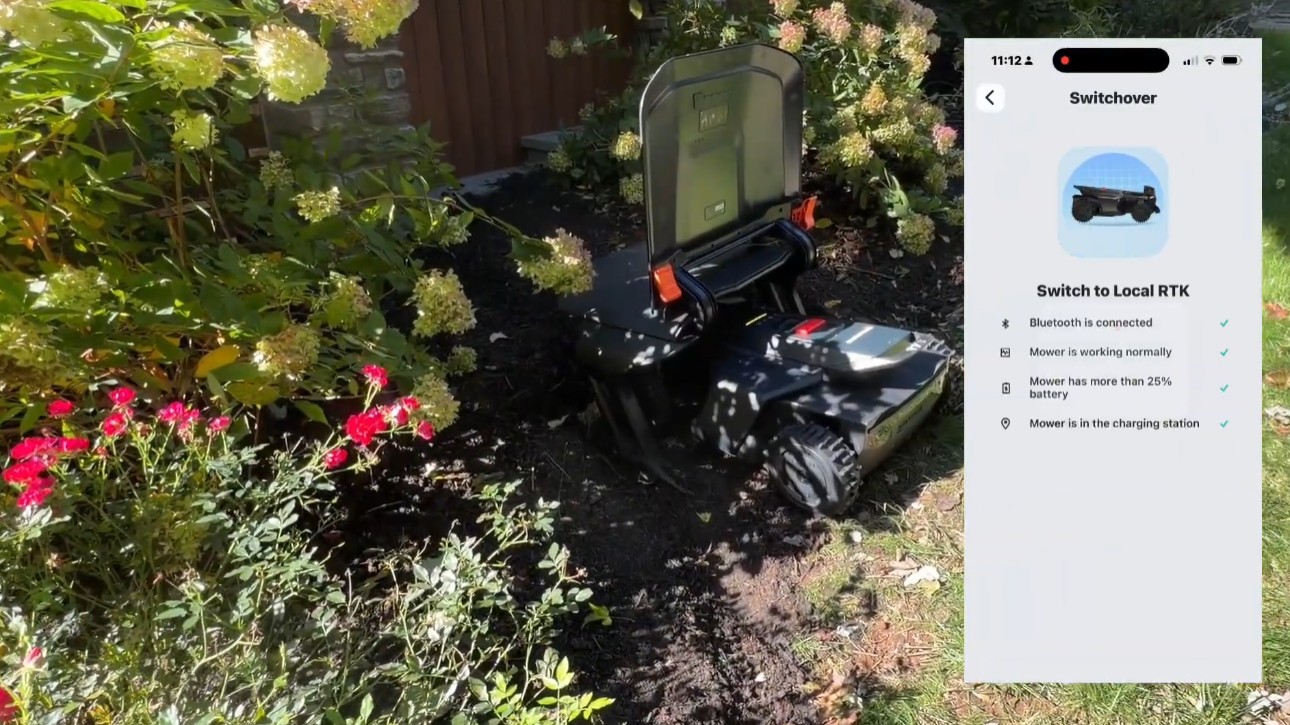 Installation & SetupHow to Switch a Navimow to Local RTK (It Ships on NetRTK)Every Navimow arrives on NetRTK, and the antenna stays in the box. How to mount it, pair it, switch over in the app, and tell from the light that it worked.
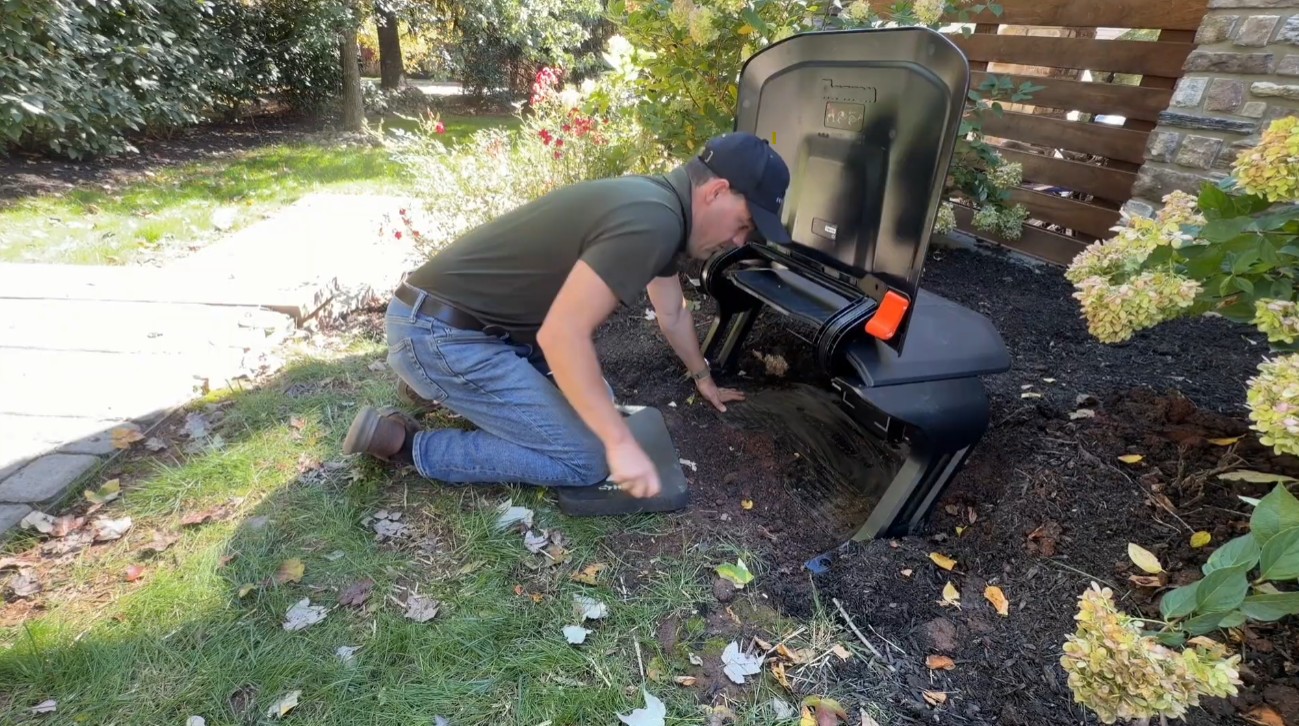 Installation & Setup5 Pro Navimow Install Tips Everyone Should KnowFive Navimow X430 install tips from a dealer: a weatherproof power supply box, an RTK antenna above the roofline, VisionFence-off zones and no driveway crossings.
 Installation & SetupNetRTK vs Local RTK on a Navimow: Which Should You Run?Every Navimow runs one of two correction paths: NetRTK over the internet, or your own base station's direct radio link. How each works and when to switch.
Explore the system
The mowers and pages behind this topic — see them sized to your yard.