
What Needs a No-Go Zone on a Navimow? The 3-Inch Rule
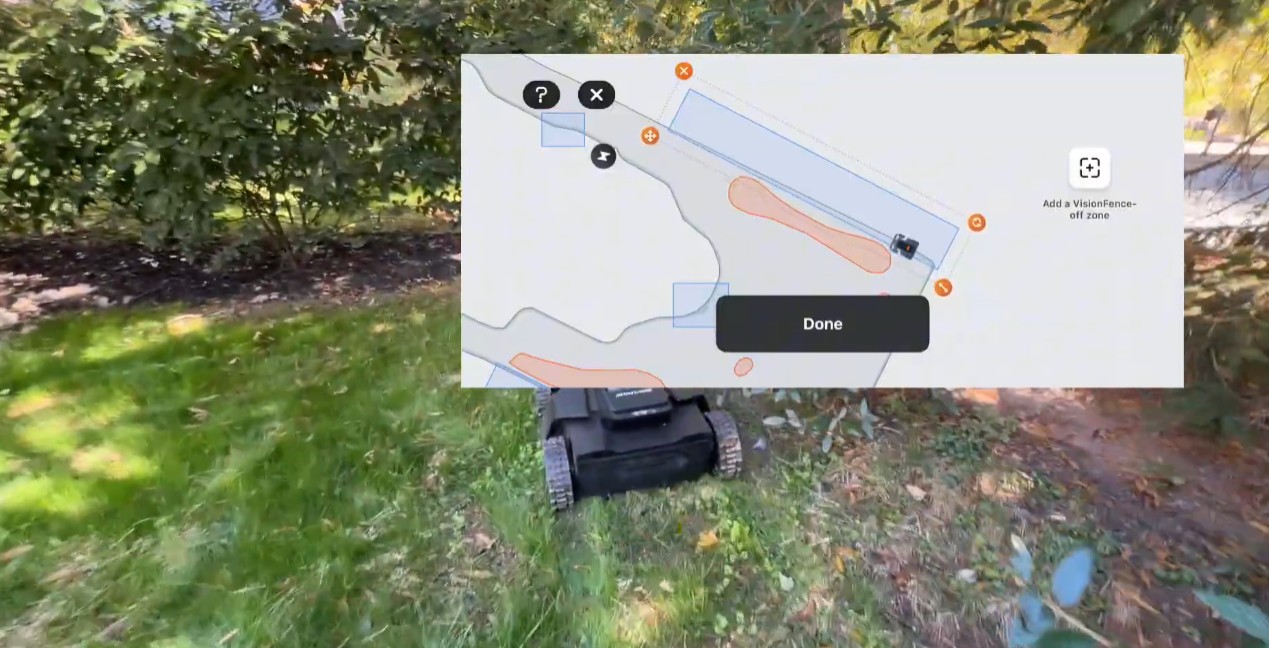
A Navimow’s cameras see anything about 3 inches tall or higher. That one number decides most of your map.
Below 3 inches, the mower can’t see it, so it needs a no-go zone. Above it, the mower sees it, steers around it, and you can leave it alone. Most owners get this backwards: they fence off the outdoor outlet and the hose reel, which the cameras handle fine, and forget the sprinkler head, which the cameras can’t see at all.
I just mapped a lawn in Phoenixville, PA with more than a dozen no-go zones (it’s the one in our 5 pro install tips). Here’s how we decide what gets one, how we drive the mower when we map it, and when we turn the camera off on purpose.
What can the Navimow’s cameras see on their own?
Anything about 3 inches tall or higher, in our experience. The X-series carries three cameras, giving it about 300 degrees of view, plus a 3D time-of-flight sensor for obstacles and edges. Navimow calls the system VisionFence. When the mower sees something in its path it slows, steers around it, and takes a picture of it. The light on the mower turns white while it does. If the cameras miss, the bumper is the backstop: a bump stops the blades and the mower backs off.
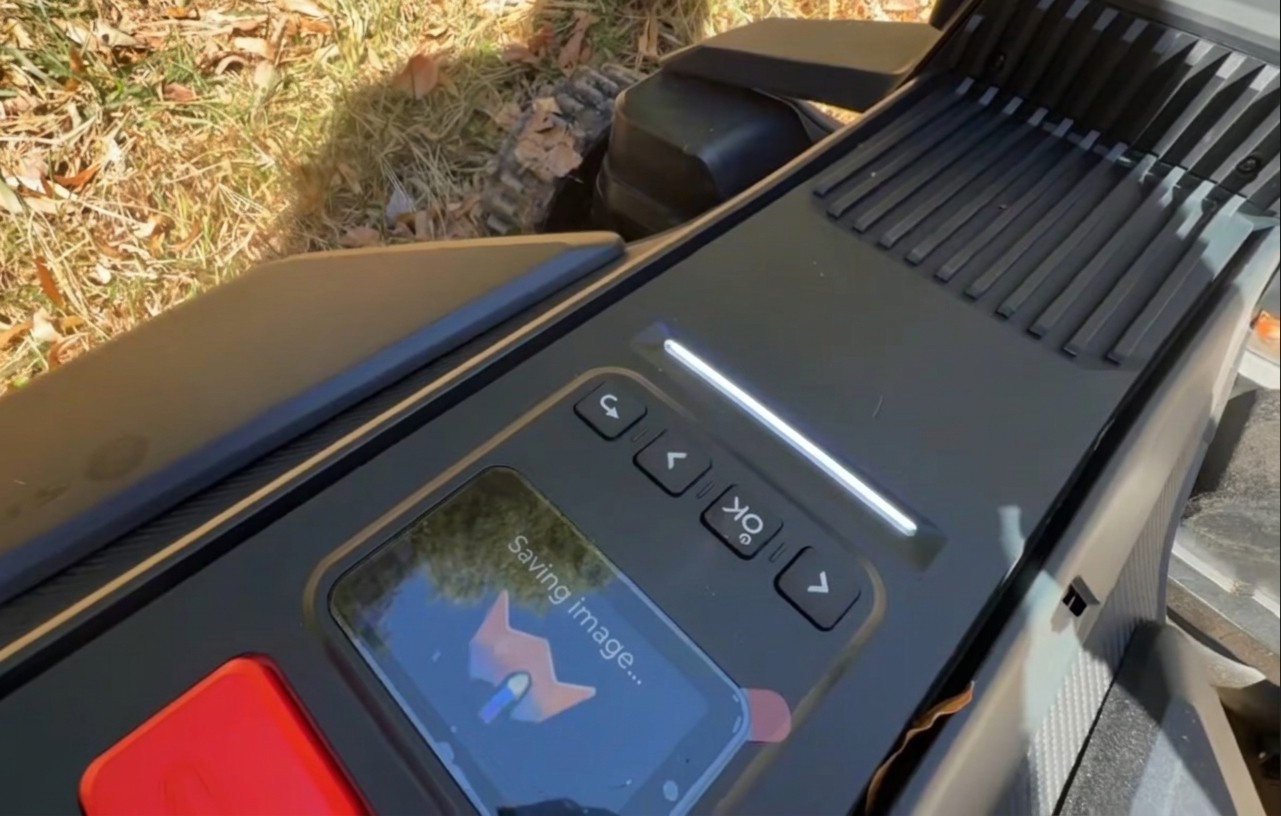
So a little outdoor outlet box, 6 to 8 inches off the ground, needs nothing from you. Neither does a hose reel, a lamp post, a bird bath or a fence post. The cameras are built for exactly those things.
What still needs a no-go zone?
Anything the cameras can’t see, and anything you can’t afford to test. Navimow calls a no-go zone an off-limit island (the app also says BioLife island, for the ones you leave wild on purpose). Its own list of what to island matches ours:
| Put a no-go zone around it | Why |
|---|---|
| Sprinkler heads | At or below grass height. The cameras can’t see them |
| Thin stakes, short garden lights, low edging | Under the 3-inch line, and thin |
| Flower beds and mulch beds | The mower would cut into the plants before the camera objected |
| Exposed roots and tree rings | A root is low, and it will throw the mower |
| Ponds, pools, ditches, holes, drop-offs | No second chances. Map these with a real buffer |
| The driveway and the roadside | Where cars are. Cap the boundary, never route a channel across |
| A trampoline or a grill, while it’s there | Navimow suggests islanding it and deleting the island when it moves |
| A soft spot that stays wet after rain | The mower will rut it. Island it until it dries out |
Positioning drifts by a couple of centimeters day to day, so give the dangerous ones (water, walls, drops) a generous margin. Beds and tree rings can be tighter.
What should you leave out of the map?
Anything 3 inches or taller that the mower can bump without harm. The temptation with a complicated lawn is to island everything. Don’t. A map broken into dozens of small islands spends its time navigating around them instead of cutting, and every island is one more edge to map and one more edge to maintain. The cameras exist so you don’t have to draw a box around the outlet.
The mower also gets better at this on its own. Navimow’s positioning system (EFLS 3.0) combines RTK with V-SLAM, visual simultaneous localization and mapping: the cameras build a picture of the lawn that the mower uses alongside the satellites, so it gets steadier in the places it has seen before. That’s one more reason not to over-map. It is not a reason to skip the test lap, below.
How should you drive when you map an island?
Clockwise around every no-go zone. Counterclockwise around every mowing boundary. That’s our rule on every install, and it keeps the process predictable when you’re doing fourteen of them. Navimow adds two rules of its own:
- Walk the actual edge. Drive the mower along the real edge of the bed or the ring, just as you do for the boundary.
- No sharp angles. Keep turning angles at 90 degrees or wider. A spiky island is one the mower follows badly.
Channels between zones have a rule too: Navimow’s minimum width is 1 meter, about 3.3 feet. Give it margin, keep it straight, and never run one across a driveway. On the Phoenixville lawn the shortest connection between two zones was over the asphalt. We capped the boundary there and ran the channel around the back of the house instead.
How close should the boundary run to an edge?
One wheel over the edge. The cutting discs sit underneath the mower, well inside the wheels, so a boundary that keeps all four wheels on the grass leaves an uncut strip you’ll be trimming by hand all season.
- Along pavement (driveway apron, sidewalk, patio): put one wheel on the hard surface.
- Along a bed: put one wheel 2 or 3 inches into the mulch. That puts the discs directly over the last of the grass.
The mower’s 3D sensor is what lets it mow along an edge like that without wandering into the bed. Which brings us to the one place the cameras get in the way.
When should you turn the camera off (a VisionFence-off zone)?
When the camera is refusing a spot the map says is fine. A low bush hanging over the lawn tells the camera “obstacle,” so the mower turns back and the grass under the bush never gets cut. You have two choices: trim the bush back so the mower fits under it, or, if it’s a big hedge, draw a VisionFence-off zone over it. Inside the zone the mower turns off its obstacle-avoidance cameras and drives through on the RTK map alone. Navimow built the feature for flat, non-grass things the camera flinches at, like a stone path or a utility cover, and it works just as well under a hedge.
Then test it, because inside that box nothing is watching for the outlet box or the post. I had a customer in Delaware where we switched the camera off along a fence and the mower got beautifully close to it. On another fence at the same house, it kept hitting the fence over and over. The fix there was adjusting the perimeter line, not the zone. Every VisionFence-off zone gets watched before we leave.
Two related switches live under Settings, then MOWER, then Advanced features, then VisionFence: Channel Obstacle Avoidance, which lets the mower use the cameras to thread a channel even where the satellite signal is thin, and Animal friendly, which keeps it well clear of pets and small animals.
When is the map done?
When you’ve watched the mower run a perimeter lap on every zone. It’s the only way to catch an island drawn too tight, a corner the mower approaches but won’t enter, or an edge mapped a wheel too timid. Follow the mower, fix what you see in the app, run it again. The ones to watch closest are the islands you drew around hazards: a mower that bumps and retries at a bed is annoying, a mower that tests a pond edge is worse.
And plan before you’re standing on the lawn. A dozen islands take real time to drive. Our free satellite tool lets you draw the boundary, zones, channels and the no-go candidates from your desk, so the time on site goes into driving the mower, not deciding.
The short version
- The cameras see anything about 3 inches tall. An outlet, a hose reel or a post needs no no-go zone.
- Island what they can’t see or you can’t risk: sprinkler heads, stakes, beds, roots, water, drop-offs, the driveway.
- Drive clockwise around islands, counterclockwise around boundaries. Walk the real edge, no angles sharper than 90 degrees, channels wider than 3.3 feet.
- One wheel over the edge, on the pavement or 2 to 3 inches into the mulch.
- Turn the camera off only on purpose (a VisionFence-off zone under a hedge), and test it.
- Watch the first perimeter lap on every zone before you call it done.
The complete mapping method, from the first boundary to the schedule, is in The Robotic Lawn Mower Owner’s Handbook.
Get the map right the first time
Zippy Lawnz is an authorized dealer and service center for Segway Navimow, Mammotion, Yarbo and Lopkin, with hands-on installs across Pennsylvania, New Jersey, Maryland, Delaware, Virginia and Colorado. Every install includes mapping, the test laps and owner training before we hand the mower over.
- 📍 Plan my map — free — your real mowable area, zones and channels, drawn from satellite in about two minutes.
- 🗺️ Book a site assessment — we’ll plan the islands and channels with you before anything gets mapped.
- 📞 Call or Text Us: 410-725-7500
Frequently asked
Do I need a no-go zone around an outdoor outlet, hose reel or lamp post?
No. The Navimow's cameras see anything about 3 inches tall or higher, and an outdoor outlet box sits 6 to 8 inches off the ground. The mower sees it, steers around it and takes a picture of it, and if the cameras miss, the bumper stops it. Drawing a no-go zone around every small object breaks the map into islands the mower spends its time navigating instead of cutting.
Do sprinkler heads need a no-go zone?
Yes. A sprinkler head sits at or below grass height, under the 3 inches the cameras reliably see, and the mower will run straight over it. Navimow's own list of things to fence off includes sprinkler heads, along with flower beds, ditches, holes, lawn decorations, ponds, pools and exposed roots. The same goes for thin stakes and short garden lights.
What is the difference between a no-go zone and a VisionFence-off zone?
They do opposite jobs. A no-go zone (Navimow calls it an off-limit island) is a place the mower must never enter. A VisionFence-off zone is a place where the mower turns off its obstacle-avoidance cameras and drives through on the RTK map alone, for spots where the camera is too cautious: a low bush, a stone path, a utility cover. Inside a VisionFence-off zone nothing is protecting a post or an outlet box, so test it.
Which direction should I drive when mapping a no-go zone on a Navimow?
Clockwise around every no-go zone, and counterclockwise around every mowing boundary. That's the method we use on every install. A consistent direction keeps the mapping predictable and the edges clean. Navimow adds two rules of its own: walk along the actual edge of the object, and keep the turning angles at 90 degrees or wider. No sharp spikes.
How wide does a channel need to be on a Navimow?
Navimow's minimum is 1 meter, about 3.3 feet. We give it margin past that, because a channel mapped at exactly the minimum fails whenever the mower approaches at a slightly imperfect angle. Keep channels as straight as the space allows, and never route one across a driveway.
Keep reading
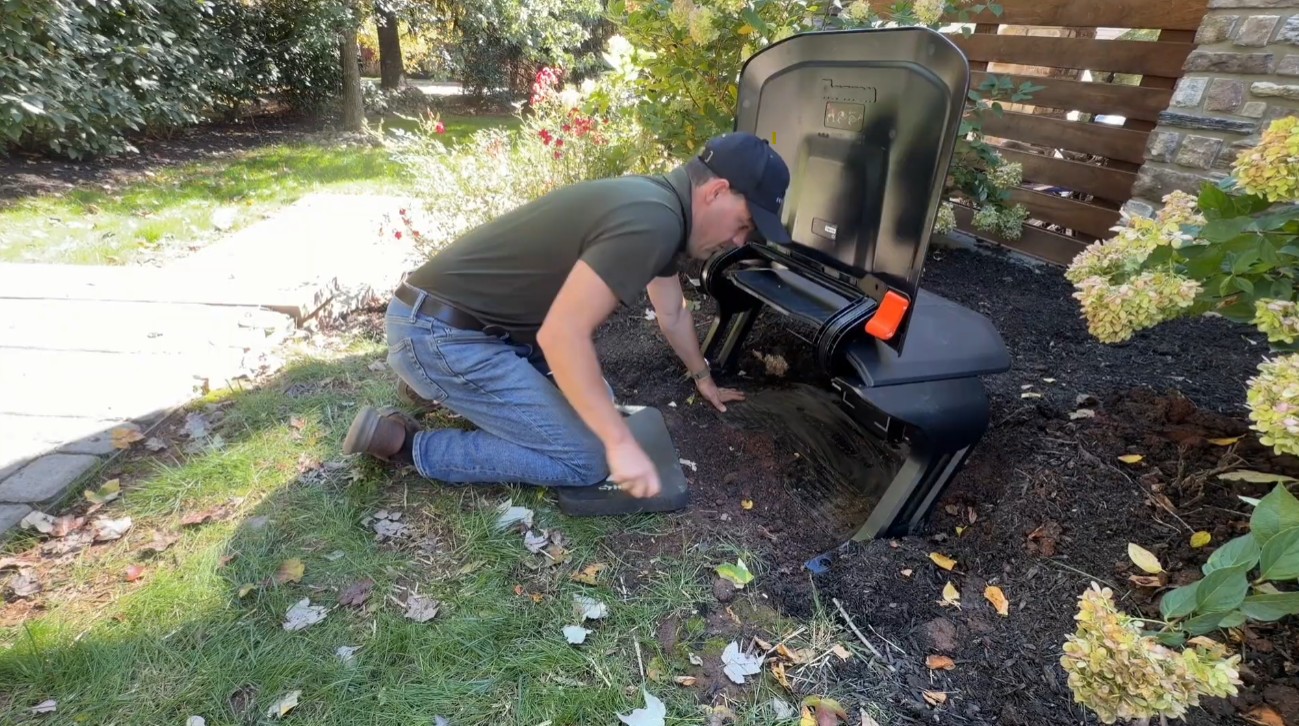 Installation & Setup5 Pro Navimow Install Tips Everyone Should KnowFive Navimow X430 install tips from a dealer: a weatherproof power supply box, an RTK antenna above the roofline, VisionFence-off zones and no driveway crossings.
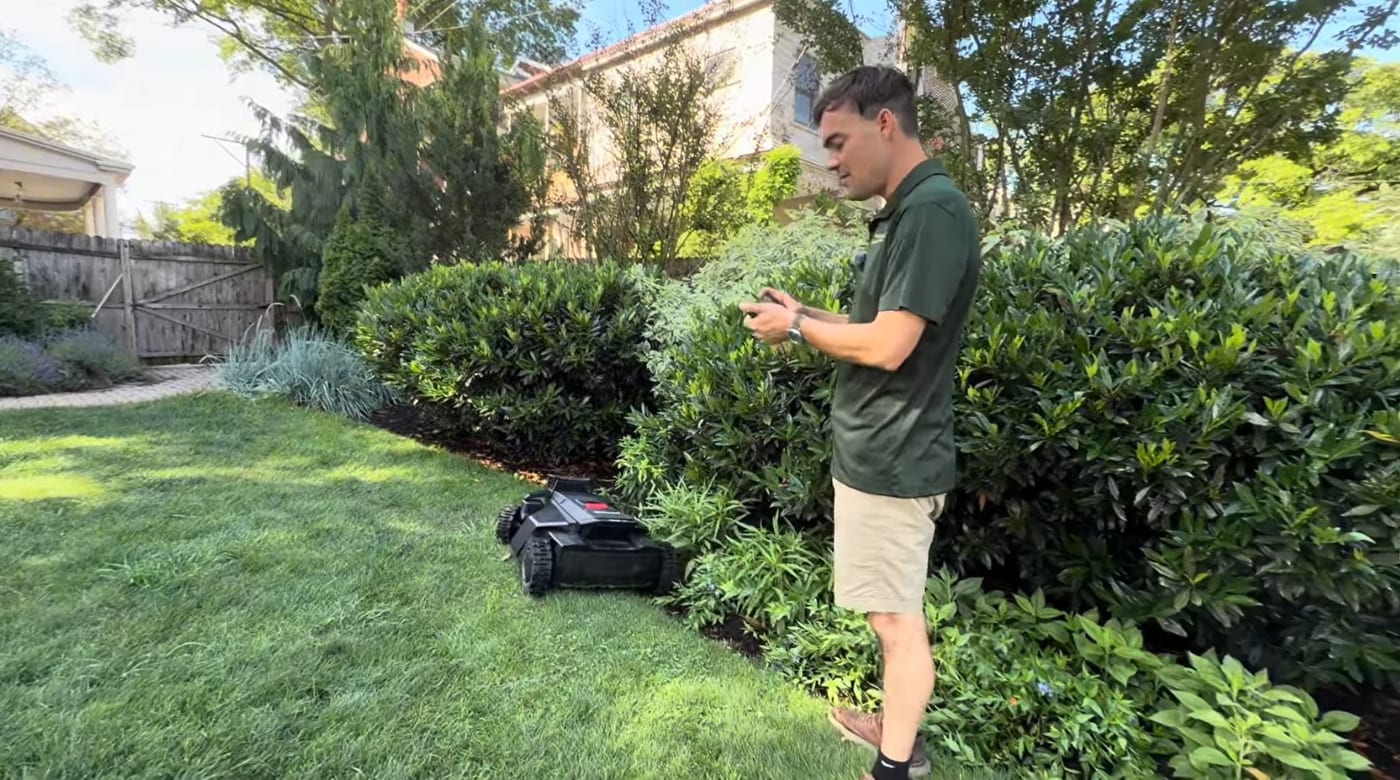 Installation & Setup10 Robotic Lawn Mower Mapping Tips (Avoid Costly Mistakes)Mapping makes or breaks a robot mower — most problems trace back to it. 10 tips on dock placement, channels, no-go zones, virtual fences, RTK signal and more.
 Installation & SetupHow to Map Your Lawn With a Navimow (And How Long It Takes)The 10-step Navimow mapping process a dealer actually uses — dock, RTK, perimeter, no-gos, channels — plus honest install times by lawn size.
Explore the system
The mowers and pages behind this topic — see them sized to your yard.