
Why Your Robot Mower Stops Mowing Edges in Fall (3-Step Fix)
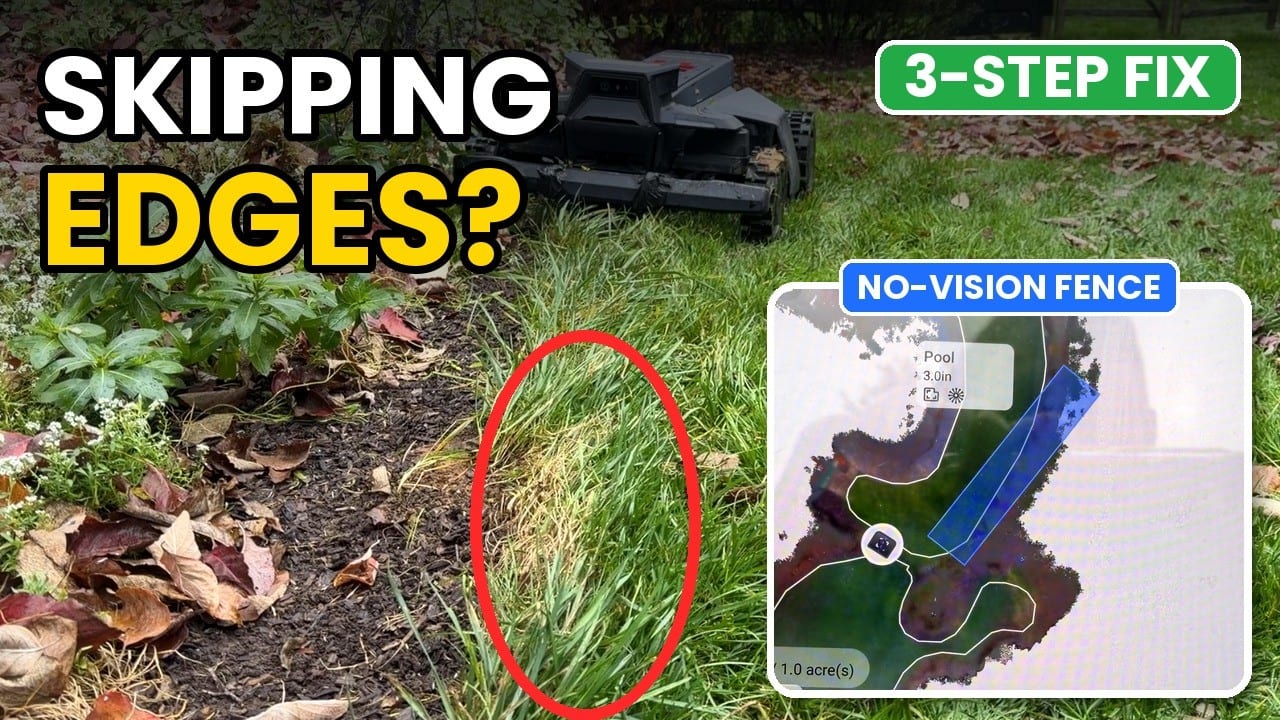
If your Segway Navimow mowed every edge all summer and now leaves uncut strips along your beds, the fix is usually a No-Vision Fence, a quick test mow, and a small perimeter adjustment. It takes about 15 minutes per problem area.
I ran into this on a customer’s property this fall. Two spots had stopped getting mowed: a section of lawn blocked by an overgrown bush, and a strip of grass along a planting bed that kept getting taller every week. The mower was working fine. It was doing exactly what its camera told it to do.
Why your mower skips edges in the fall
Your Navimow uses its camera for obstacle avoidance. When it sees something in its path that looks like an obstacle, it slows down and steers around it. (It sees anything about 3 inches tall, which is why most small things don’t need a no-go zone.)
By fall, a few things change along the edges of most lawns:
- Bushes and perennials have grown out past where they were in spring, into the area the mower used to cut.
- Grass right next to the beds gets missed once, grows taller, and gets missed again.
- Leaves and stems pile up along the bed line.
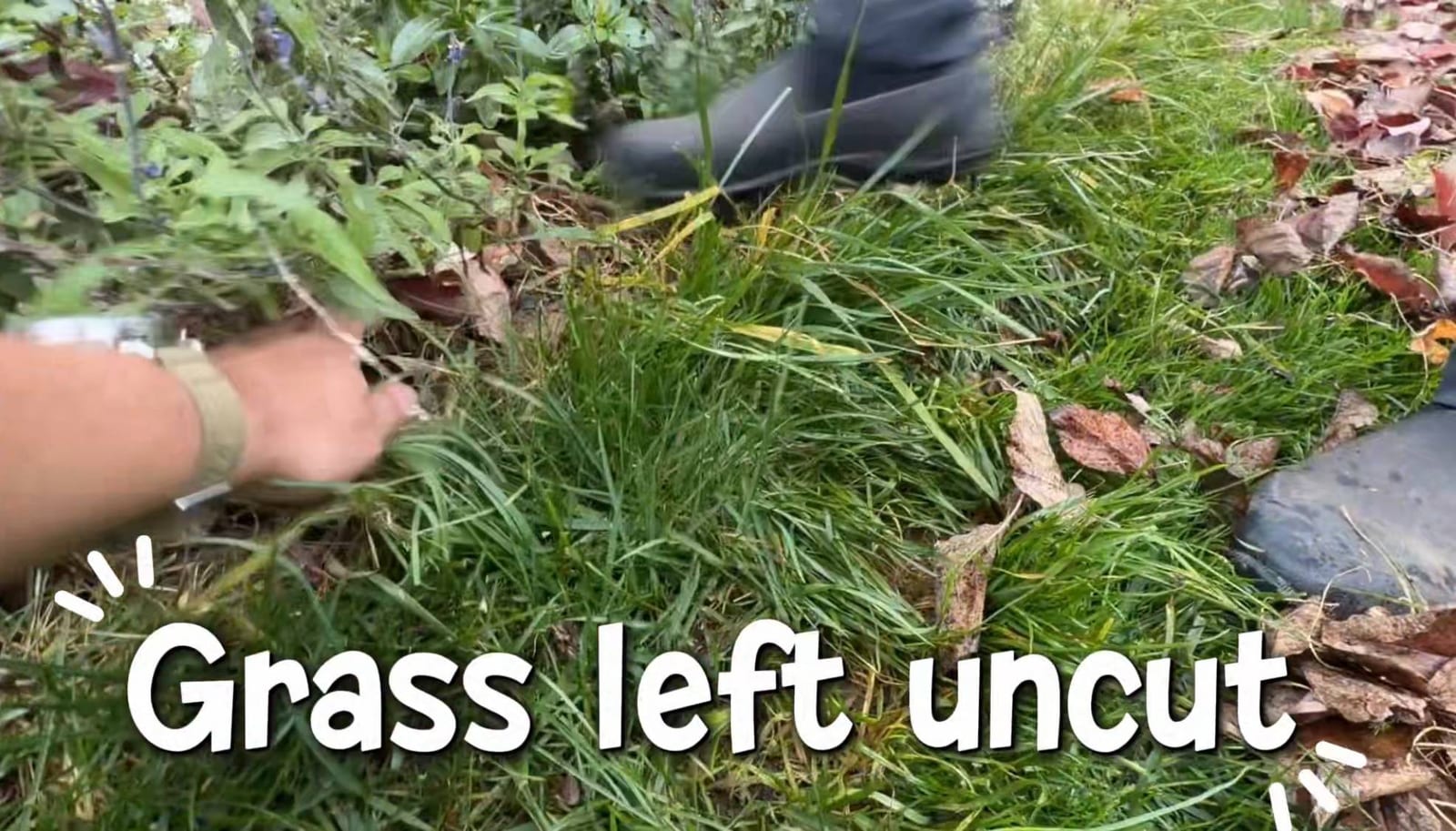
To the camera, that tall grass and overgrowth looks like an obstacle. So the mower turns away a few inches early on every pass, and the uncut strip gets wider over time. Your map hasn’t changed. Your yard has.
Step 1: Add a No-Vision Fence
A No-Vision Fence tells the mower to ignore its camera inside a specific area. Within that zone, it mows over the overgrowth and tall grass instead of avoiding them. (In older posts we called this a VisionFence-off zone. Same feature.)
- Open the Navimow app and go to your map.
- Choose to add a No-Vision Fence.
- Draw it over the edge or corner that isn’t getting mowed. Cover the problem strip and a little of the bed line next to it.
- Save the map.
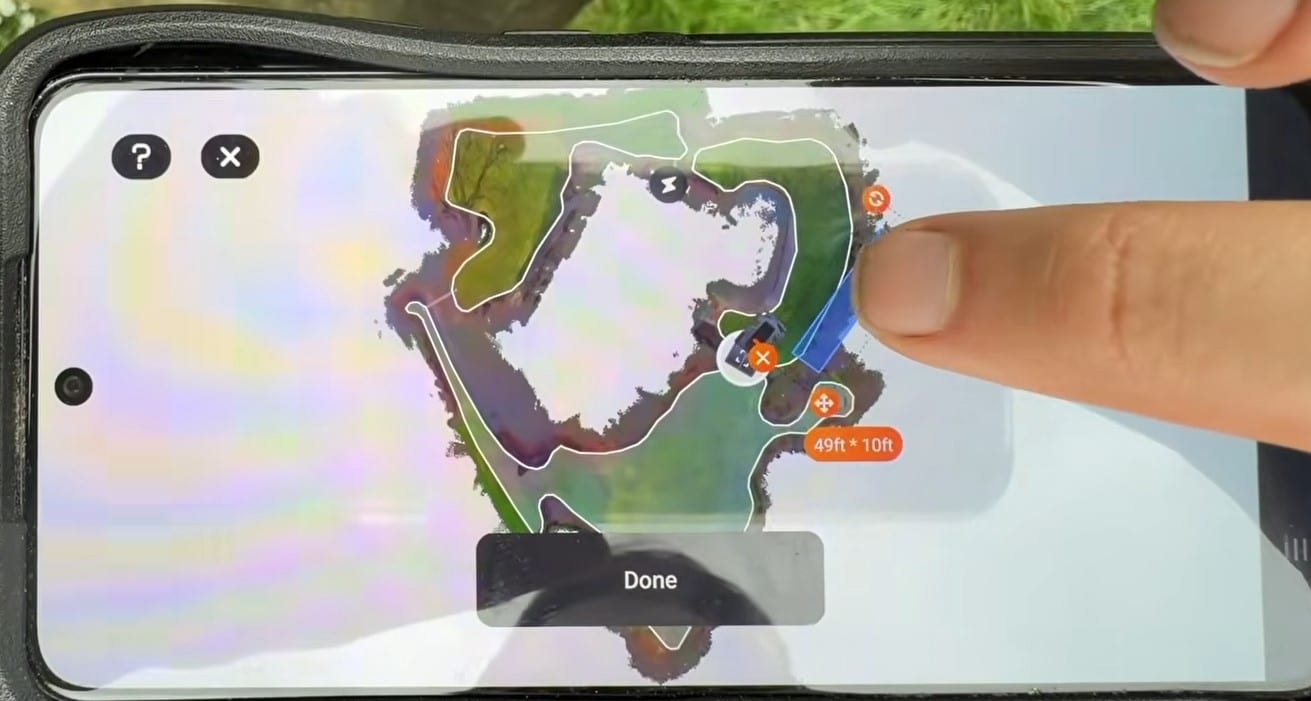
Keep the fence as small as you can. The camera is there for a reason, so only switch it off where it’s getting in the way.
Step 2: Test it with a fresh mow
Don’t wait for the next scheduled mow to find out if it worked. Run a test right away.
- Start a new mow in that zone and clear progress so it starts from scratch.
- The mower runs the perimeter first, so watch it as it comes along the problem edge.
- To check faster, manually drive the mower up to that edge and see how it handles it.
If it now cuts right through the strip it was skipping, you’re done. If it starts bumping into things it used to steer around, move on to Step 3.
Step 3: Refine the perimeter
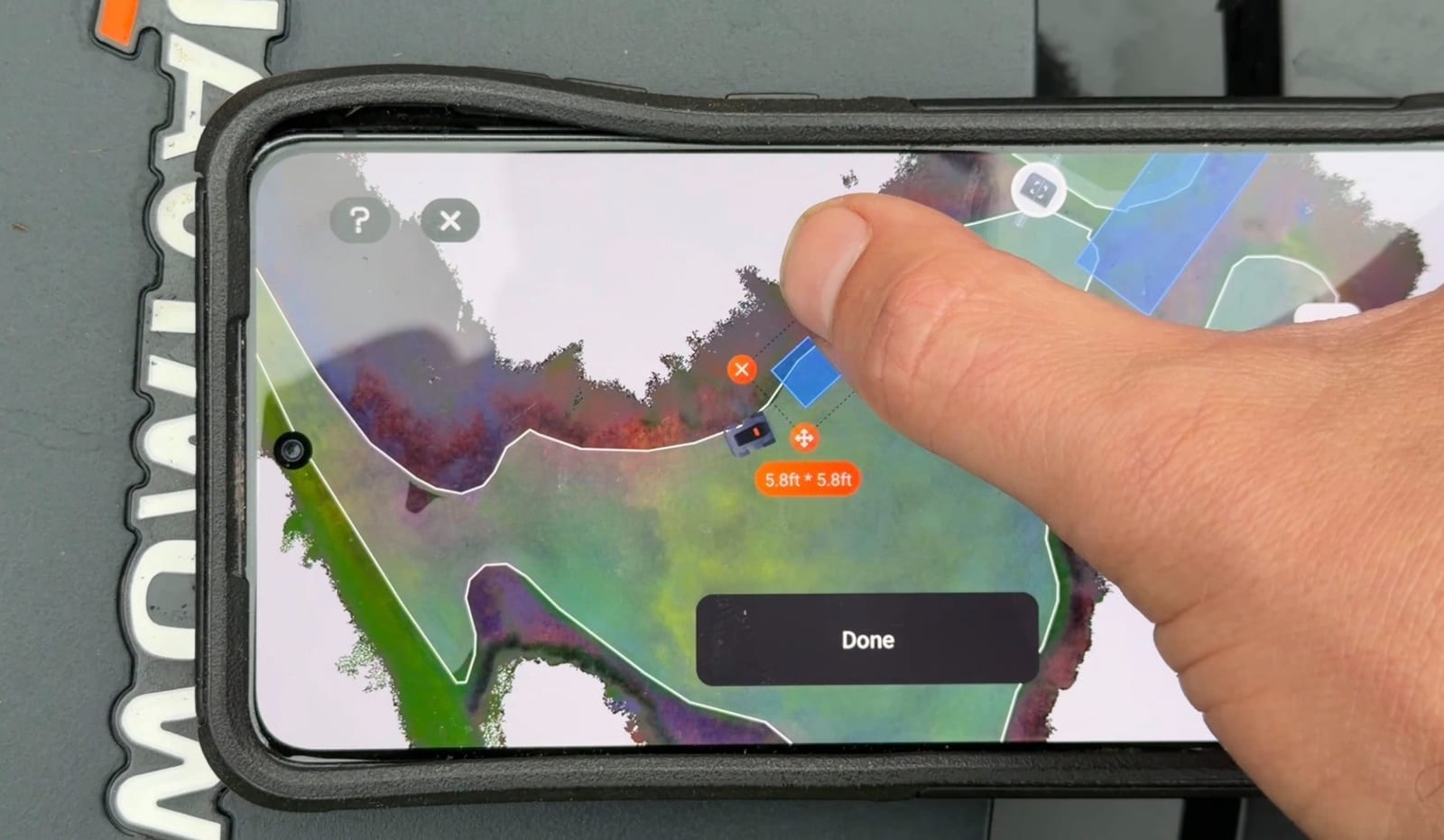
With the camera off in that zone, the mower relies only on the map boundary. If the boundary runs too close to a bush trunk, a stone edge or a garden ornament, the mower may now hit it.
- Open Edit Map in the Navimow app.
- Use the option to adjust the boundary with the mower, and drive it along the line you want.
- Pull the perimeter in a few inches around hard obstacles. Keep it tight to the bed line where you want the mower cutting overgrowth.
- Save and run another test mow.
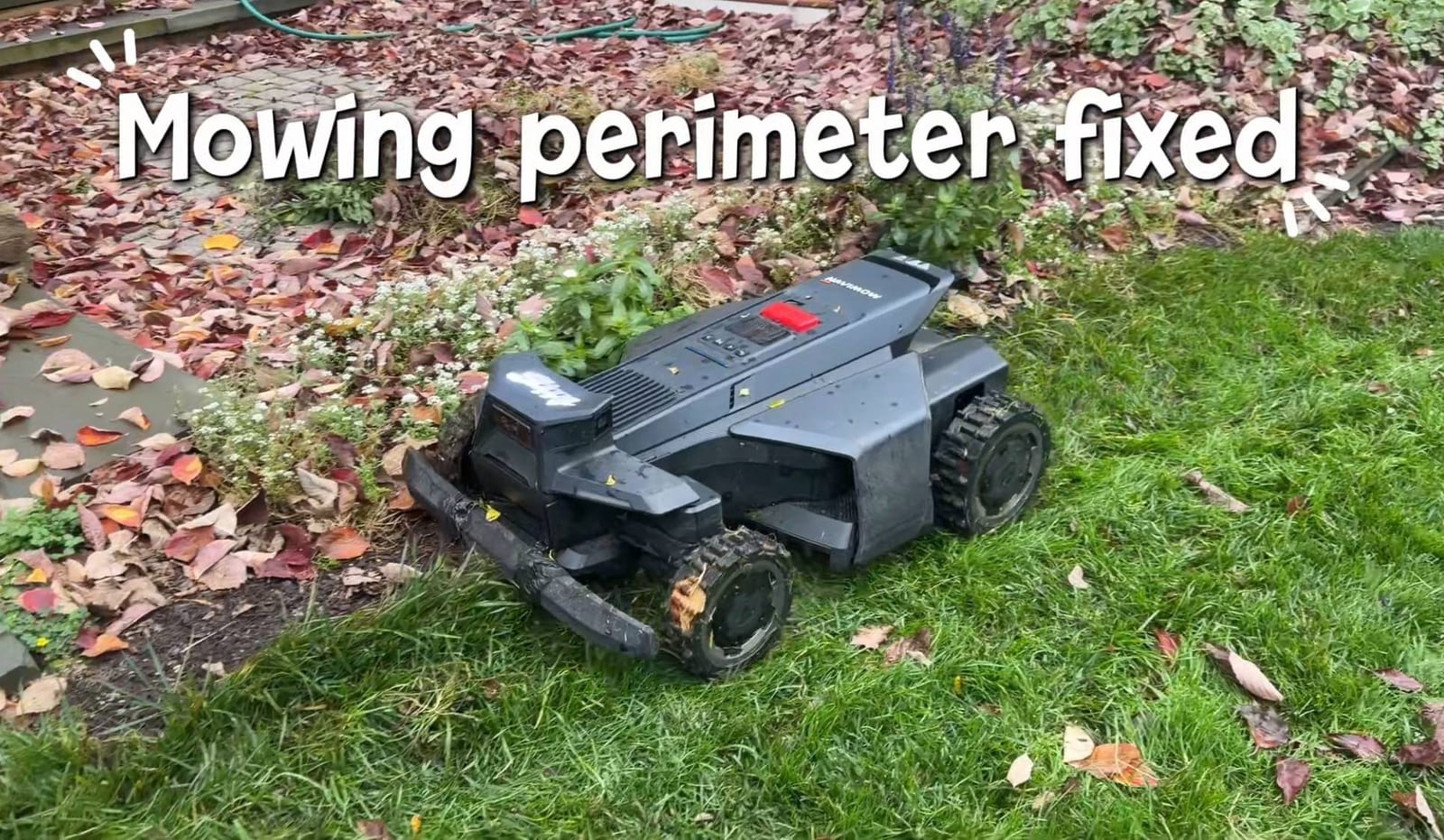
Repeat until the mower makes a clean pass along the edge without bumping anything. It’s the same habit we use when we test a new map on site: every change gets watched with the mower, on the lawn.
Two real examples from a customer’s yard
The overgrown bush. A bush had grown out far enough that the mower treated it as a wall and wouldn’t go past it into the lawn behind. A No-Vision Fence at that spot let the mower push through the outer branches. A small perimeter tweak then kept it off the base of the bush.
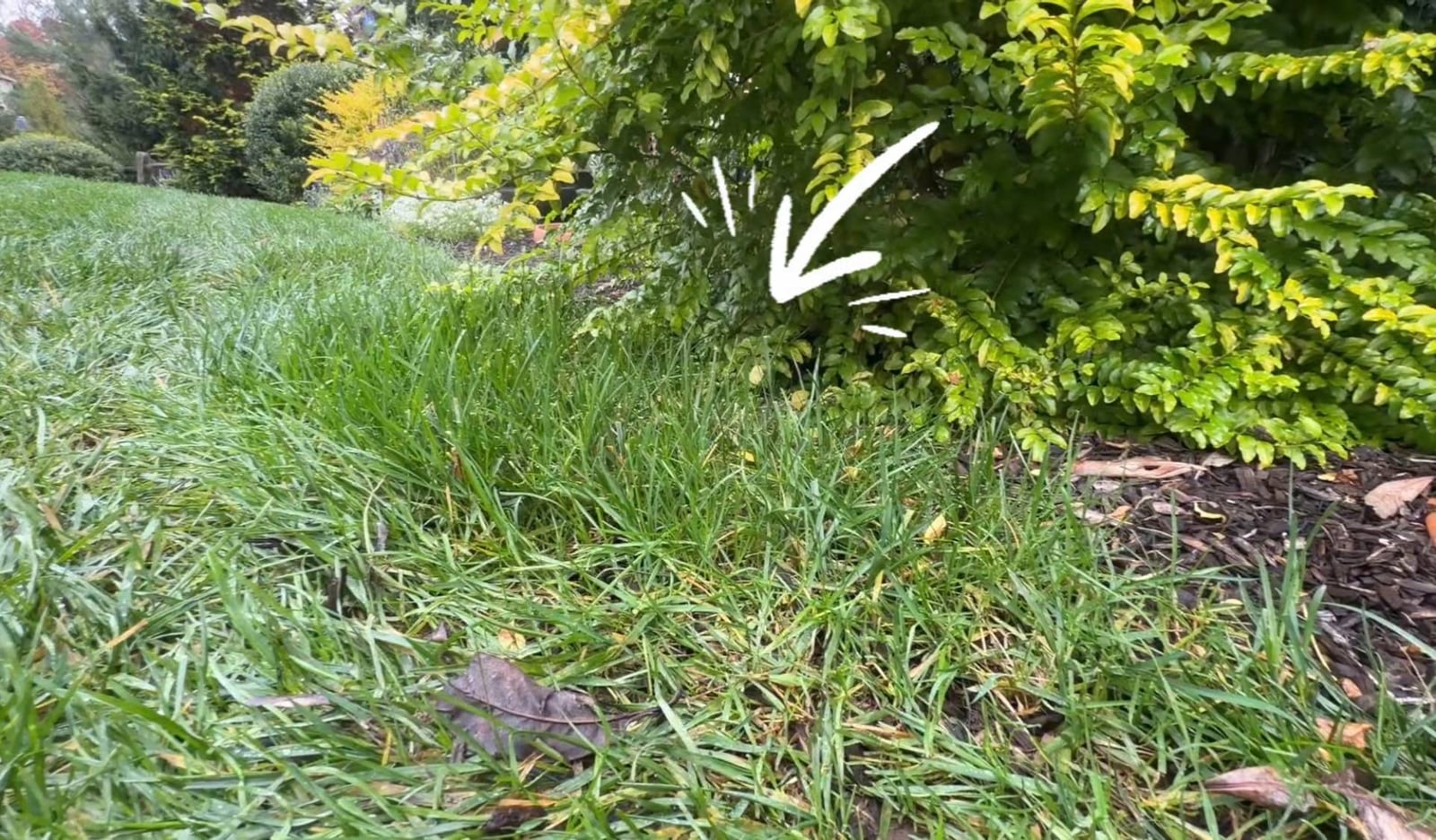
The uncut strip. Along a planting bed, plants had crept into the lawn edge and the grass beside them had grown tall. That tall grass was enough to trigger the camera, so the mower kept turning away early. With a No-Vision Fence along that edge, the mower cut the full strip on the first test pass.
Make it part of your fall routine
Your yard changes through the season, so your map should too. Each fall:
- Walk the perimeter and look for uncut strips along beds and corners
- Add a No-Vision Fence where overgrowth is blocking the mower
- Run a fresh test mow on each fenced area
- Adjust the perimeter anywhere the mower bumps into something
Watch the full walkthrough
The whole fix, both examples and the before and after, is in the video at the top of this post.
- 0:00 — Why your mower is skipping edges
- 0:35 — The problem: overgrowth and camera avoidance
- 2:00 — Step 1: Add a No-Vision Fence
- 3:30 — Step 2: Test it
- 4:45 — Step 3: Refine the perimeter
- 6:00 — Example 2: Overgrown bush
- 7:00 — Before and after
Need help dialing in your Navimow?
Zippy Lawnz is an authorized Segway Navimow, Mammotion, Yarbo and Lopkin dealer and service center serving PA, NJ, MD, DE, VA and CO. We handle installs, mapping and tune-ups like this one, so your mower cuts the whole lawn.
Visit ZippyLawnz.com, email [email protected] or call 410-725-7500.
- 📍 Check my lawn — free — your real mowable area and sky view, measured from satellite in about two minutes.
- 📞 Call or Text Us: 410-725-7500
Frequently asked
Why does my robot mower stop mowing edges in the fall?
Its camera. By fall, bushes and perennials have grown out past where they were in spring, the grass next to the beds gets missed once and grows taller, and leaves and stems pile up along the bed line. A Navimow's camera reads that overgrowth as an obstacle and turns away a few inches early on every pass, so the uncut strip gets wider over time. Your map hasn't changed. Your yard has.
What is a No-Vision Fence on a Navimow?
An area you draw on your map in the Navimow app where the mower ignores its camera. Inside it, the mower mows over overgrowth and tall grass instead of avoiding them, and relies only on the map boundary. Keep it as small as you can: the camera is there for a reason, so only switch it off where it's getting in the way.
Will my robot mower bump into things with the camera off?
It can. Inside a No-Vision Fence the mower relies only on the map boundary, so if that boundary runs too close to a bush trunk, a stone edge or a garden ornament, the mower may hit it. Open Edit Map, adjust the boundary with the mower, pull the perimeter in a few inches around hard obstacles, save, and run another test mow.
How long does it take to fix a robot mower that skips edges?
About 15 minutes per problem area: draw a No-Vision Fence over the strip, run a fresh test mow on that zone, and adjust the perimeter if the mower starts bumping into anything.
Can you dial in my Navimow for me?
Yes. Zippy Lawnz is an authorized Segway Navimow, Mammotion, Yarbo and Lopkin dealer and service center serving PA, NJ, MD, DE, VA and CO. We handle installs, mapping and tune-ups like this one, so your mower cuts the whole lawn. Call 410-725-7500 or email [email protected].
Keep reading
 Installation & Setup5 Pro Navimow Install Tips Everyone Should KnowFive Navimow X430 install tips from a dealer: a weatherproof power supply box, an RTK antenna above the roofline, VisionFence-off zones and no driveway crossings.
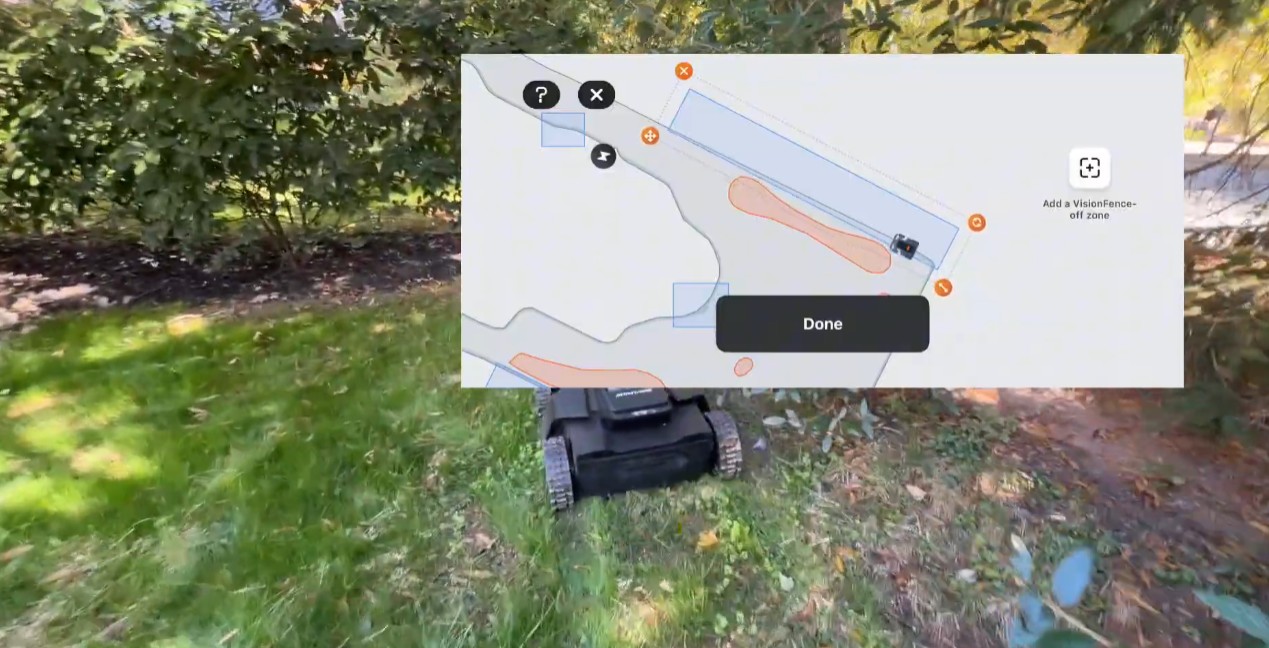 Installation & SetupWhat Needs a No-Go Zone on a Navimow? The 3-Inch RuleA Navimow's cameras see anything about 3 inches tall, so an outlet needs no no-go zone. What does, how to drive when you map one, and when to turn the camera off.
 Tips & MaintenanceNavimow Light Colors: What Blue, Yellow, White and Red MeanBlue is a solid fix, pulsing yellow is weak satellite or RTK signal, white means the cameras saw something. Every Navimow light color and what to do about each.
Explore the system
The mowers and pages behind this topic — see them sized to your yard.