

Zippy Lawnz Live: Free Monthly Robot Mower Training Sessions
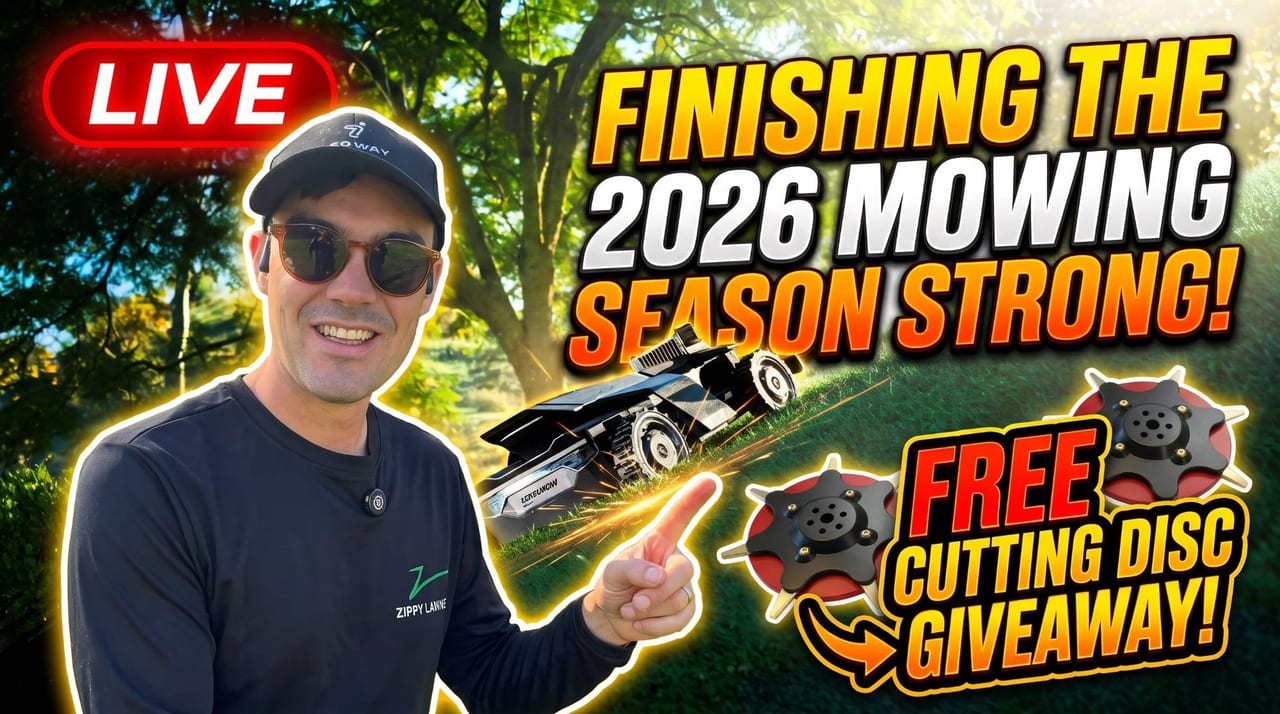
Zippy Lawnz Live is a free training session on robotic mowing, streamed live on YouTube with Q&A on the first Thursday of every month at 7:30 PM Eastern (4:30 PM Pacific). Each one runs about an hour.
It’s for two kinds of people: owners who want to get more out of the robot mower they already have, and anyone still deciding whether a robot makes sense for their lawn. We install, map and service these machines every day, mostly Segway Navimow, plus Mammotion and Yarbo, and we answer the same good questions on the phone over and over. Once a month we answer them properly, with real installs on screen and your lawn on the table.
Register for the next session →
How a session works
- Training first. Each session has a theme for the time of year: what to do now, what we’ve learned from our installs, and the settings and habits that make the biggest difference.
- Live lawn reviews. We pull up viewers’ lawns and photos and talk through how a robot would handle them (more on that below).
- Your questions, answered live. Ask in the YouTube chat, or join us on camera. Tick “join on camera” when you register and we’ll email you a Google Meet link before the session.
- A replay if you can’t make it. Register anyway and we’ll send it to you.
- A giveaway every month. Every session we give away something for your mower. This month it’s a set of Titanium Hardened Discs. You have to register to be entered. Watching alone doesn’t count.
The schedule for the next six months
Topics after November are preliminary. We’ll firm each one up a few weeks ahead, and your questions shape them.
| Date | Time (ET / PT) | Planned topics |
|---|---|---|
| Thursday, November 5 | 7:30 PM / 4:30 PM | The 2026 season in review: our coolest installs and what we learned, best practices that held up all summer, maintenance, app tricks, and winterization |
| Thursday, December 3 | 7:30 PM / 4:30 PM | Winter with robots: storing the mower and battery in the cold, robotic snow clearing with Yarbo, and gift ideas for robot mower owners |
| Thursday, January 7 | 7:30 PM / 4:30 PM | Planning your 2027 lawn: which mower fits which lawn (Navimow, Mammotion, Yarbo, Lopkin), what’s new this year, and measuring a lawn live from satellite |
| Thursday, February 4 | 7:30 PM / 4:30 PM | Install season preview: what happens on install day, RTK antennas and cellular coverage explained, and why winter is the time to book a spring slot |
| Thursday, March 4 | 7:30 PM / 4:30 PM | Spring start-up: fresh blades and cutting discs, first-cut height, re-checking your map and boundaries, and firmware updates |
| Thursday, April 1 | 7:30 PM / 4:30 PM | The first mows of the season: daily mowing as weed control, building a lawn care plan around your robot, and owner stories |
Can’t wait for the winter sessions? Our winterization guide, how to clean a Navimow and Navimow blade replacement cover the basics now.
What a Lawn Review looks like
A Lawn Review is where we look at your lawn’s size from satellite, go through the photos you send of the tricky areas, and walk through how a robot mower would handle it, live during the session.
To ask for one, tick “lawn review” when you register, add your address, and upload up to six photos of the spots you’re not sure about. We measure the lawn before the session, so on air we can get straight to the interesting parts. These are the kinds of questions a review answers:
- “Is my slope too steep?” A photo taken from the bottom of the hill, plus the satellite view, tells us roughly how steep it is and how long the run is. Then we talk about which mowers handle that grade, and where it would be safer to mark a no-go area.
- “Can it get from the front yard to the back?” Side yards between the house and a fence are often the tightest spot on the property. We look at how wide the passage is, what the ground is like, and whether the mower can drive it or the two lawns are better mapped as separate zones.
- “Will it work under my trees?” Most robot mowers steer by satellite (RTK), and heavy tree cover can block the signal. We look at where the trees sit, where the base antenna could go, and whether a vision-based mower is a better fit for that part of the yard.
- “What about the driveway, the gate, the ditch?” A driveway that splits the lawn, a gate the mower has to pass, or a drainage swale it has to cross: we show how each one is usually handled, whether that’s a channel between zones, a boundary or a no-go area.
- “How big is it, really?” People are often surprised by their own lawn size once the beds, the house and the driveway come out of the total. The mowable area is what decides which mower fits.
You don’t need to own a mower to get a review. It’s the same look we’d take before quoting an install, done live so everyone watching learns from it.
Sign up for the next one
Registration is free and takes about a minute. It always signs you up for the next session. Once that one airs, the page rolls over to the following month.
Frequently asked
When is Zippy Lawnz Live?
The first Thursday of every month at 7:30 PM Eastern (4:30 PM Pacific). The next six sessions are November 5, December 3, January 7, February 4, March 4 and April 1. Each runs about an hour.
Does it cost anything?
No. It's free to watch on our YouTube channel and free to register. Registering gets you a lawn review if you want one, a Google Meet link if you'd like to ask your question on camera, the replay if you can't make it, and an entry in that month's giveaway.
What is a Lawn Review?
A Lawn Review is where we look at your lawn's size from satellite, go through the photos you send of the tricky areas, and walk through how a robot mower would handle your lawn, live during the session. Ask for one when you register at zippylawnz.us/live.
Do I need to own a robot mower to join?
No. The training is for Zippy Lawnz customers and for anyone thinking about robotic mowing. Bring questions about whether a robot fits your lawn, what an install looks like, or how to get more out of the mower you already have.
Can I sign up for a session that isn't next?
Registration is always for the next session. Once it airs, the page rolls over to the following month, and registering again signs you up for that one.
Keep reading
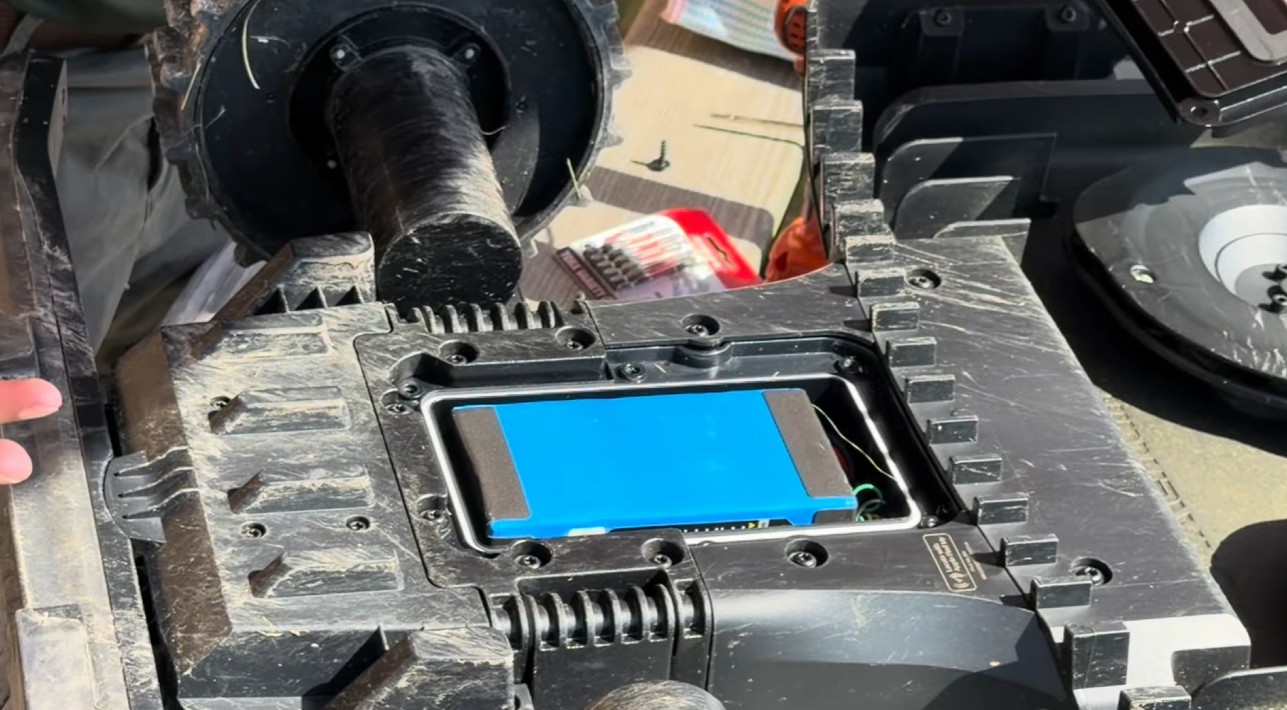 Tips & MaintenanceHow to Winterize a Robot Mower (Battery, Blades & Storage)When to stop mowing, how to store the battery (about half charge), what stays outside, and the end-of-season clean — the dealer winterization routine.
 Tips & MaintenanceHow to Clean Your Navimow Robot Mower (Deck & Grass Clumps)Learn how to clean a Segway Navimow robot mower the right way — cleaning mode, an air brush for the deck, and why you should never use a pressure washer.
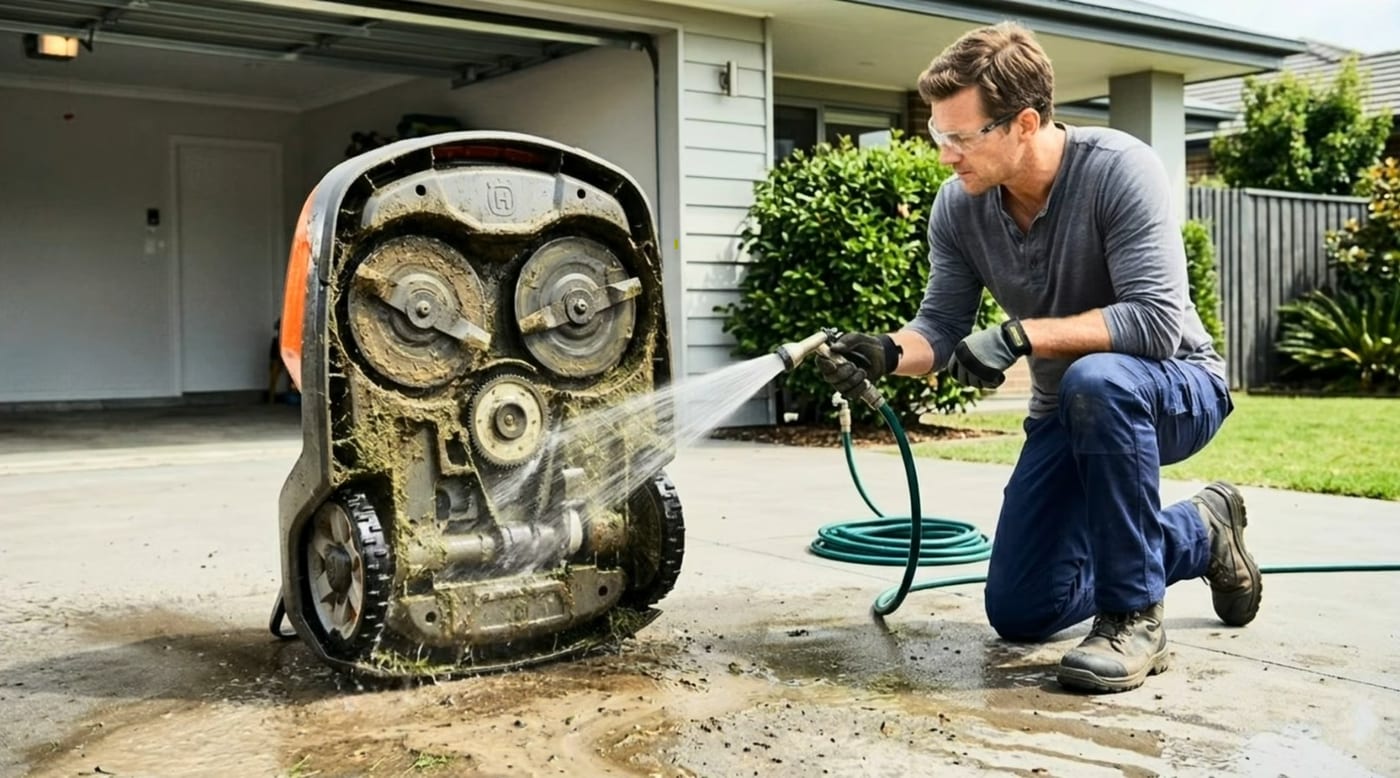 Tips & MaintenanceNavimow Blade Replacement: How Often, How To, and TitaniumHow often to replace Segway Navimow blades (4–6 weeks daily mowing), the new-screws rule everyone breaks, and our honest take on titanium-coated blades.
Explore the system
The mowers and pages behind this topic — see them sized to your yard.