
Your Robot Mower's Name, Printed on the Mower: the $120 Nameplate
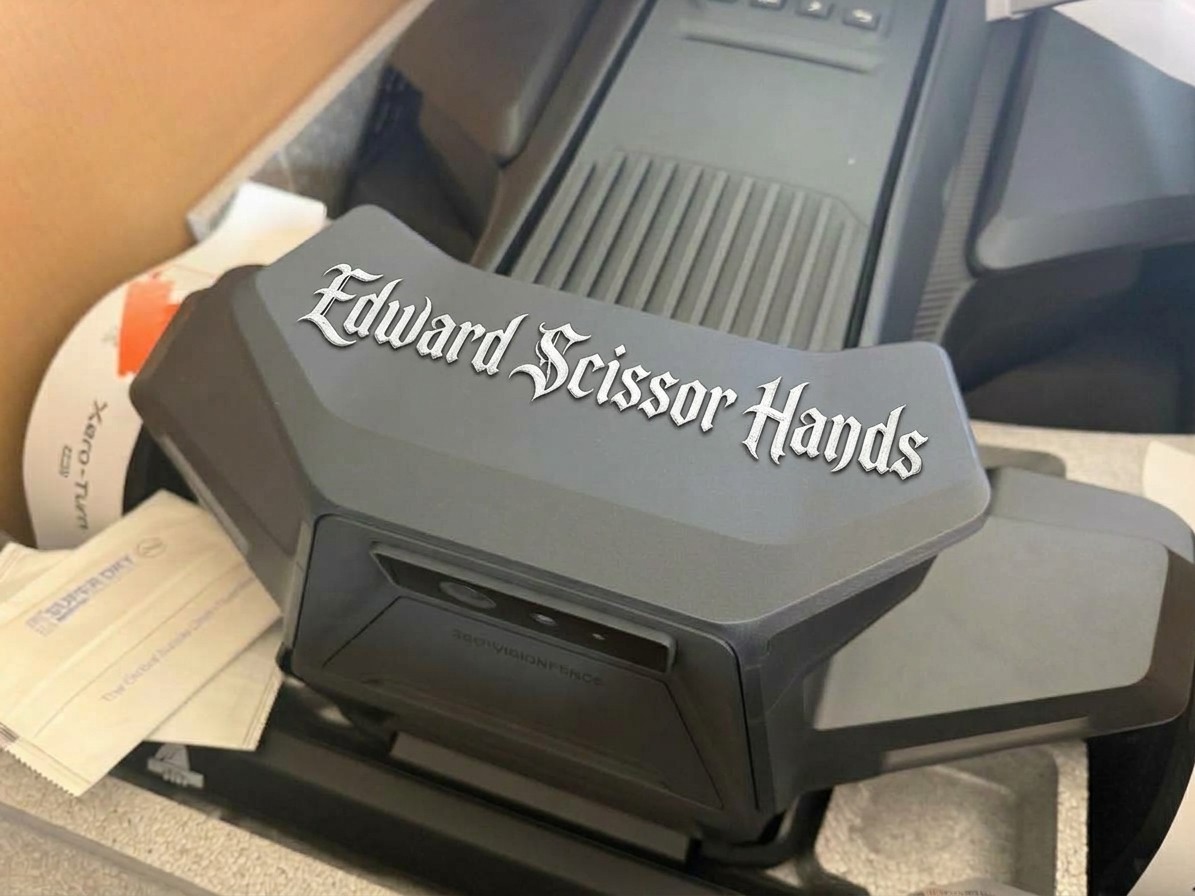
Most of our customers name their mower within a week. Now the name can go on the mower — your own design, UV-printed on a genuine Navimow camera housing, for $120.
We added a “name your mower” card to every lawn report in the free mapping tool a while ago, half as a joke. People took it seriously. Mowana. Sir Mows-a-Lot. Benedict Cutterbatch. One of our Navimow customers calls hers Stormy and talks about him in her review the way you’d talk about a dog. People name the thing that quietly does their least favorite chore, and once it has a name it’s part of the household. (What people name their robot mowers is its own post.)
So we built the next step. The design you make in the tool’s Name Tags room gets printed, in our shop, onto the decorative camera housing on the front of the mower. Here’s what it is, what it costs and how it works.
What you’re actually buying
The front of a Navimow X430, X450 or Terranox wears a decorative camera housing: a clip-on cover, a genuine Segway part, the same one the mower shipped with. We put a fresh one on the bed of our UV flatbed printer and print your design straight onto its outer face.
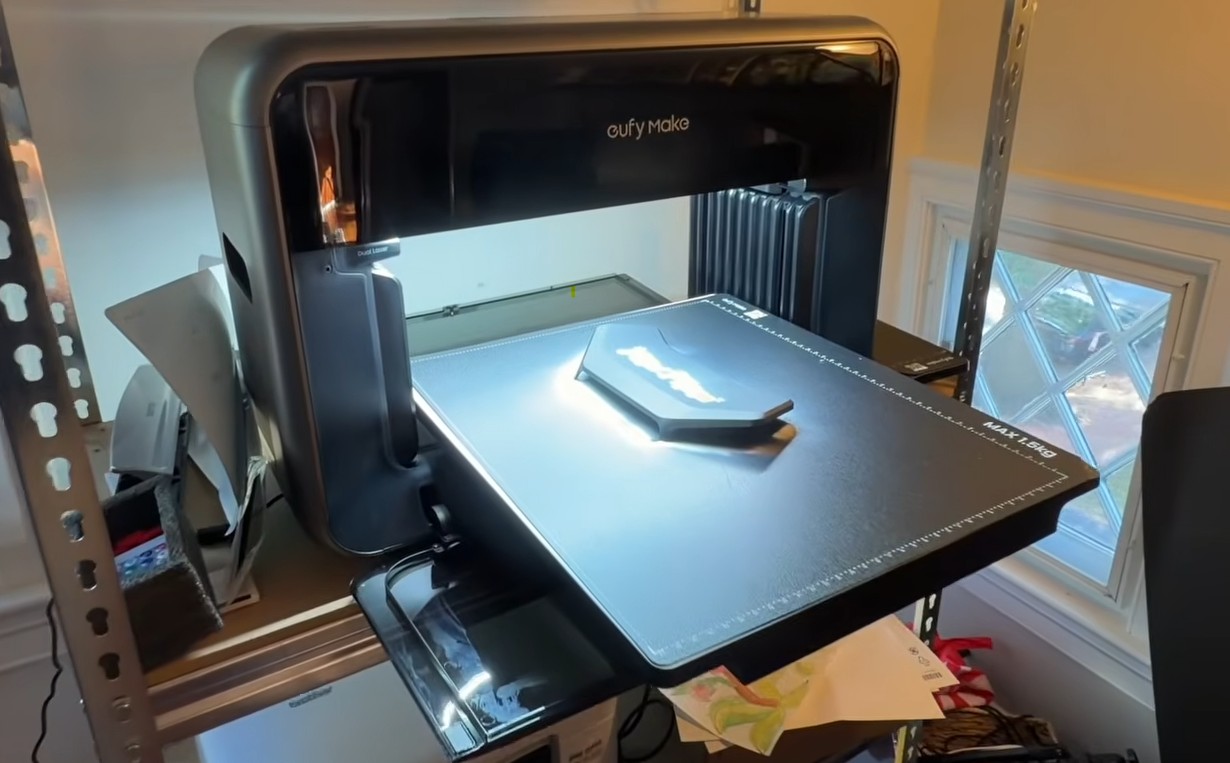
UV printing cures the ink onto the part with ultraviolet light as it lays it down. It isn’t a vinyl decal and it isn’t paint; it’s the process used for outdoor signage and industrial labels, which is why sun, rain and hosing the mower down don’t touch it. The camera, its window and every sensor underneath are untouched, because nothing is printed there.
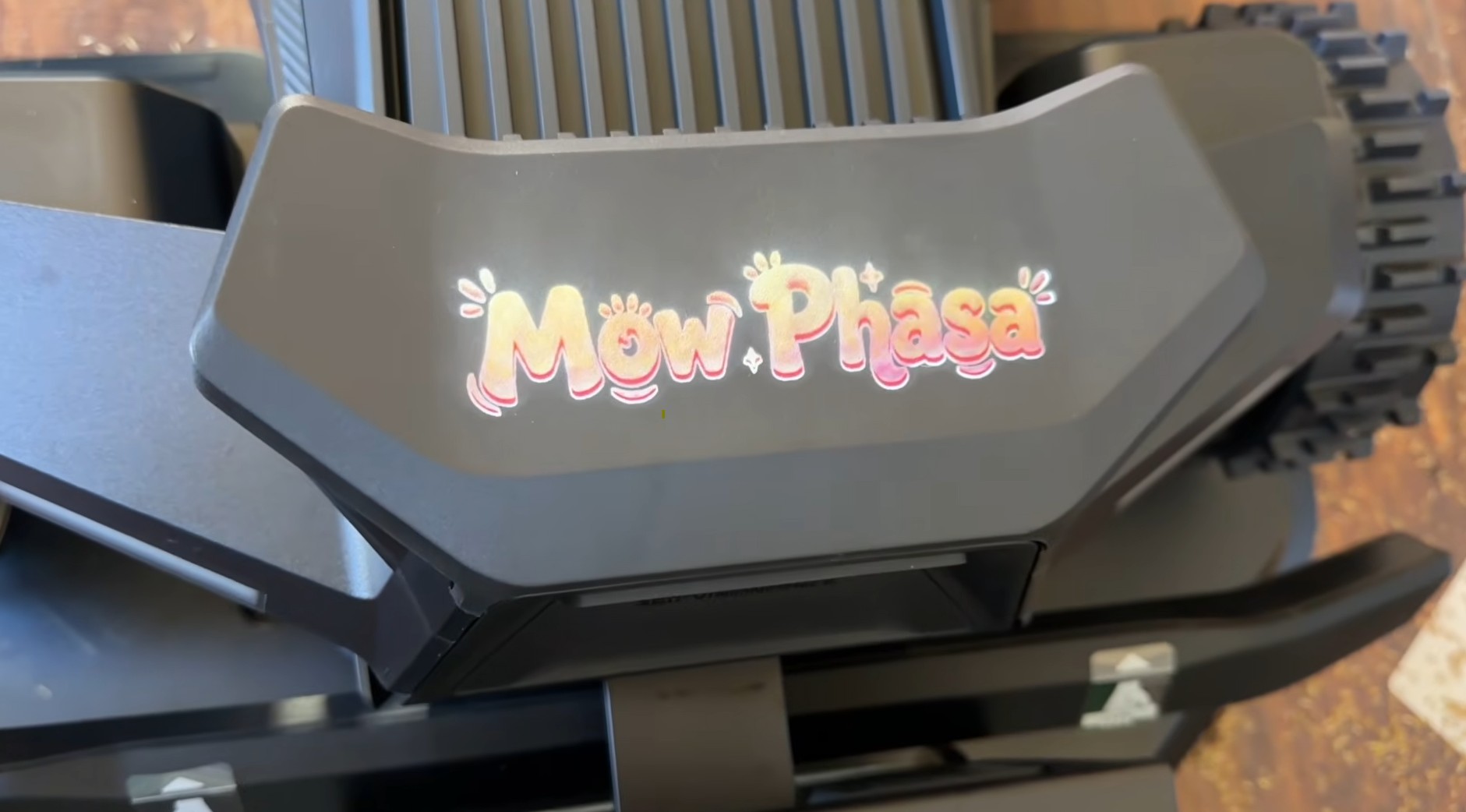
$120 buys the housing, the print and the designer. Fitted at your install if you’re buying a mower from us, or shipped ready to swap onto one you already run. Swapping the housing takes about a minute.
What people put on it
The name, obviously, and usually big. After that it splits into two camps.
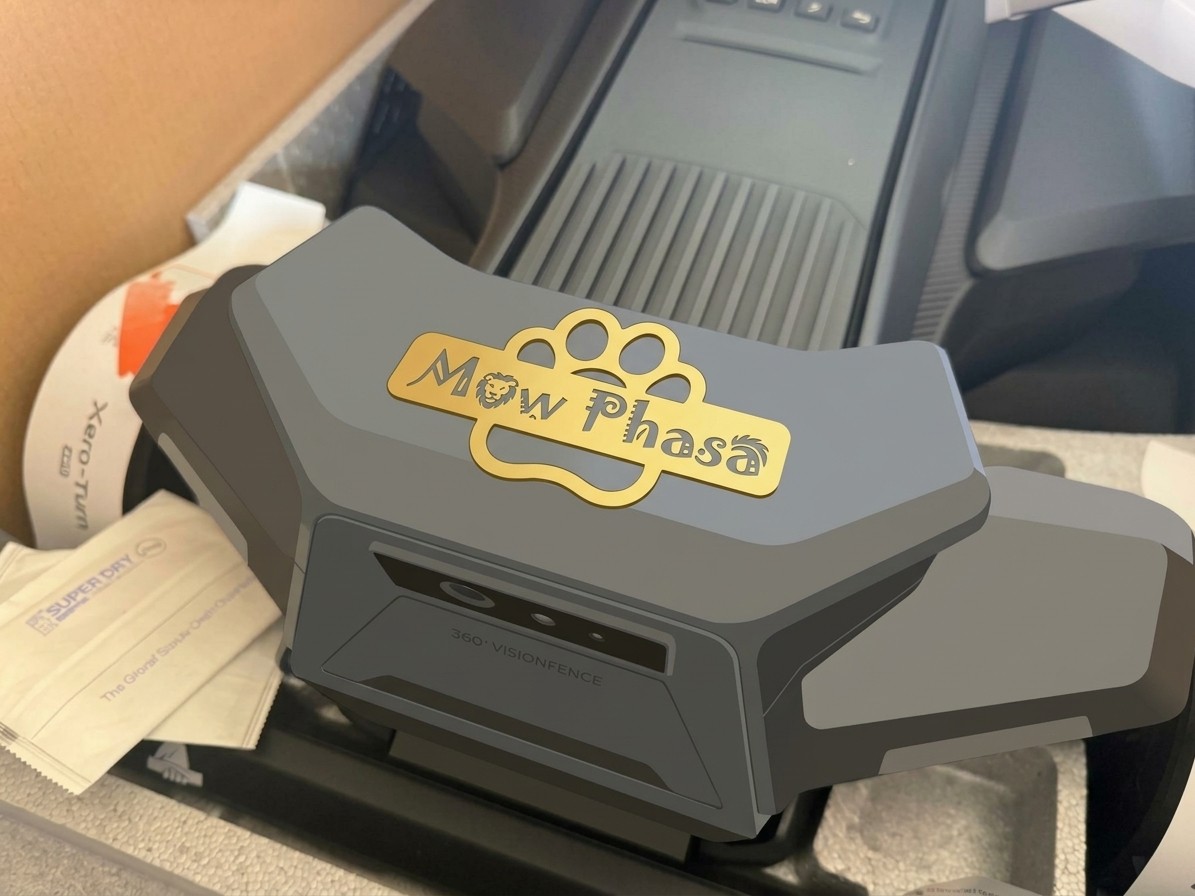
The fun camp adds a title or a picture. The templates come with a few titles: Chief Grass Officer, Employee of the Month — every month, zero complaints, mows while you sleep. Kids draw the art and it goes on the kids’ robot. Mow Phasa got a lion and a paw print.
The practical camp treats it as a luggage tag. The one in the photo below is ours: the mower’s name, the owner’s name and phone number, and a line that says the mower is tracked.
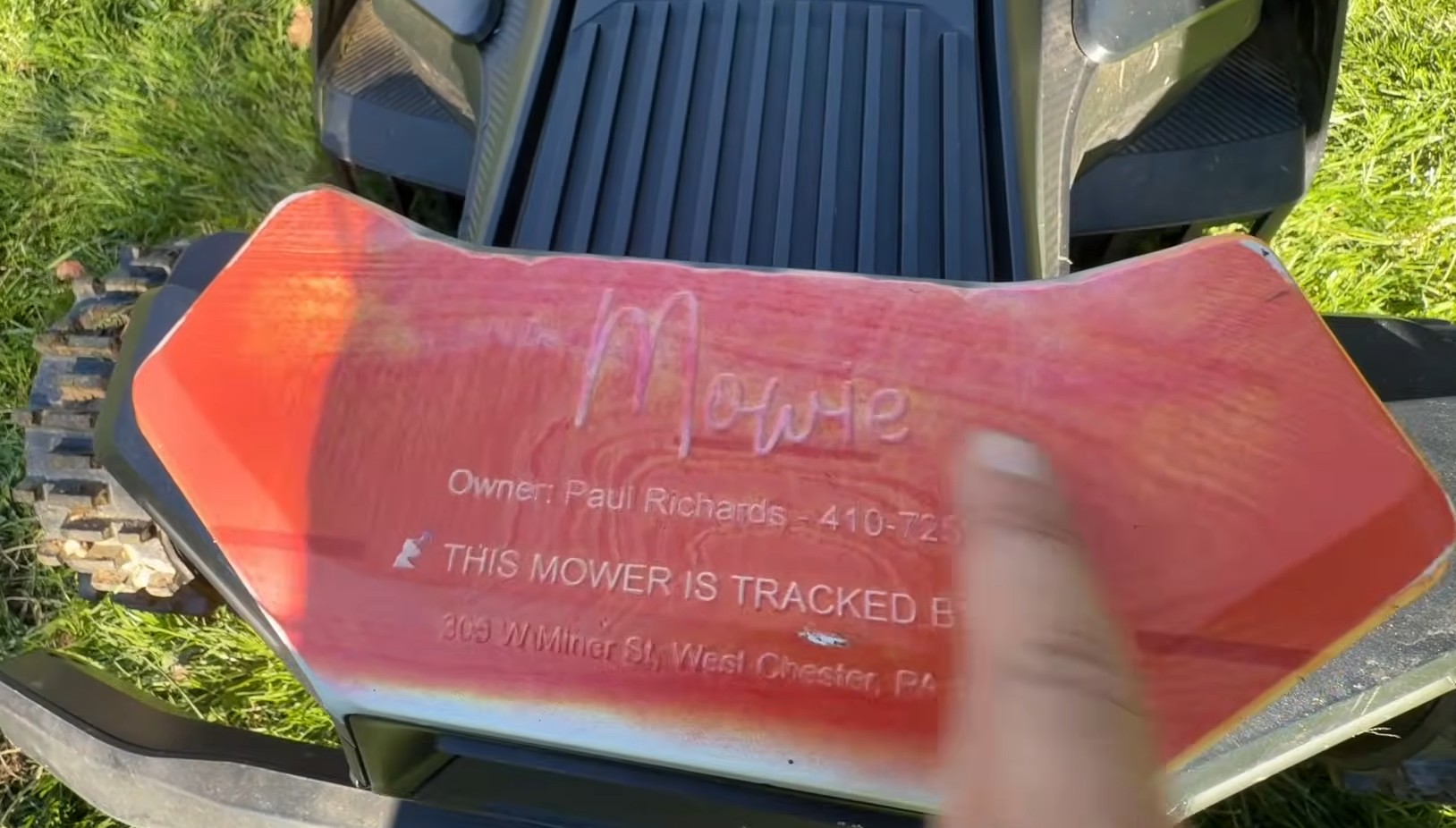
That last line is worth a sentence. A Navimow really is tracked: the app shows its position and raises the alarm if it leaves the lawn, and a PIN locks it. Writing that on the front of the machine is the cheapest anti-theft there is, and a phone number means a mower that wanders through a gap in the fence gets a call instead of a ride in someone’s truck.
Businesses do the third thing: the company logo on every Terranox on the property. A grounds crew’s mark on a machine that mows a campus every day is the kind of advertising that doesn’t cost anything after the first $120.
How to design one
- Log in to the free mapping tool. If you’re new, map your lawn first; it takes a couple of minutes and gives the designer a mower to name. If you’re an existing customer, your lawn and your mower are already there.
- Name it. The Name Tags room takes a name right at the top. Stuck? There are suggestion chips.
- Pick a template. Six of them, and they re-letter live as you type: a classic plate, a grass line, an award badge, a mow-crew plate, a homestead plate with your address and phone, and a midnight meadow. Or start from blank.
- Make it yours. Drag anything. Six typefaces, a palette that starts with the Zippy greens, lawn-flavored shapes (grass, a robot mower, the bolt, a snowflake for the Yarbo crowd), a slogan, your phone, the Zippy mark on or off, and your own uploaded photo or logo. Keep text inside the dashed safe line and it prints exactly as you see it.
- Save it. The saved design is what we print. There’s no file to email us; if you want one anyway, the designer downloads a 600 dpi print file of your plate.
Then buy the nameplate in the store, or ask for it on your proposal if you’re buying a mower from us.
The honest part
The plate doesn’t make the mower cut any better. It makes it yours, and on a machine that lives outside and works unsupervised, “yours” with a phone number on it is a reasonable thing to want.
It fits the X430, X450 and both Terranox models because those are the machines with this housing. There isn’t an equivalent part on the LUBA, the Yarbo or the Lopkin yet. If you want one for those, tell us; we’ll say the day we can.
Frequently asked
What is the custom Navimow nameplate?
A genuine Navimow decorative camera housing — the cover on the front of the X430, X450 and Terranox — UV-printed in our shop with a design you make yourself in the free Zippy Lawn Mapping tool: the mower's name, a slogan, your phone number, your logo or your own art. $120, fitted at install or shipped to swap onto a mower you already own.
How do I design it?
Log in to the free mapping tool at app.zippylawnz.us, open the Name Tags room, type the mower's name and pick a template — the six templates re-letter live as you type. Edit anything: fonts, colors, shapes, a slogan, your phone, the Zippy mark, uploaded art. Save it, and that saved design is what we print. No file to send.
Which mowers does it fit?
The Navimow X430 and X450 (the X4 series) and the Terranox CM120M1 and CM240M1. It's a genuine Segway Navimow part, so it fits exactly like the housing the mower came with. There's no equivalent part for Mammotion, Yarbo or Lopkin yet.
Is it a sticker?
No. The ink is UV-cured onto the housing on a flatbed printer, the same process used for outdoor signage and industrial labels, so sun, rain and washing the mower don't lift it.
Keep reading
Tips & MaintenanceWhat People Name Their Robot Mowers (and How to Put It on the Mower)Mowana, Edward Scissor Hands, Mow Phasa: why nearly everyone names their robot mower, the names we hear most, and the $120 nameplate that prints it on the front. Tips & Maintenance5 Navimow Upgrades That Actually Work (and One to Skip)Five Navimow upgrades we actually run as a dealer — more blades, pre-built discs, a dry-window schedule, antenna height, outdoor WiFi — and the one to skip.
 Tips & Maintenance10 Creative Ways to Use Your Robot Mower (Beyond Mowing)Your robot mower is more than a mower — 10 hands-free ways to use it: low-cut pathways, no-mow pollinator zones, a putting green, drainage control and more.
Explore the system
The mowers and pages behind this topic — see them sized to your yard.