 🏆 Contest Coolest Docking Station contest · win our new Navimow Lawn Combs Send photos and a 10–30 second video of your setup · winner picked live Thu, December 3 · 7:30 PM EST Enter →
 Lawn Care Automation
📱 3D scan by Zippy Lawnz
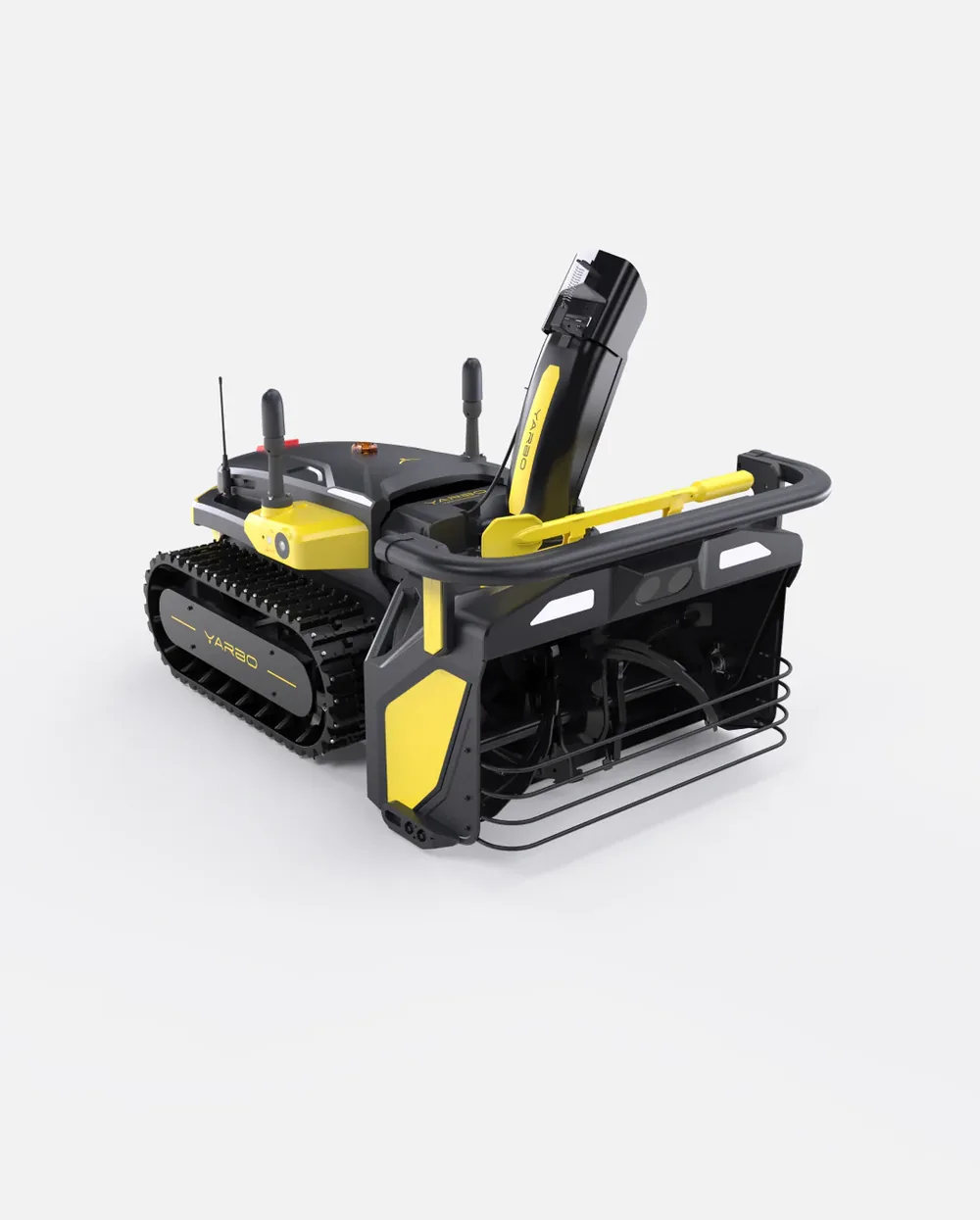
Open this page on your phone and tap See it in your yard: the Yarbo Snow Blower appears on your driveway at its real size. Walk around it, stand where it would dock, and see whether it fits through the gate. On a computer, drag the model below to turn it. We scanned the real machine ourselves, so what you see is the real thing.
It's in our free app too. The camera view, your lawn map and your mower's reminders, free on iPhone and Android.


On a computer? Point your phone's camera at this code to open this page there, then tap See it in your yard. Or text the link to whoever shares the lawn with you.
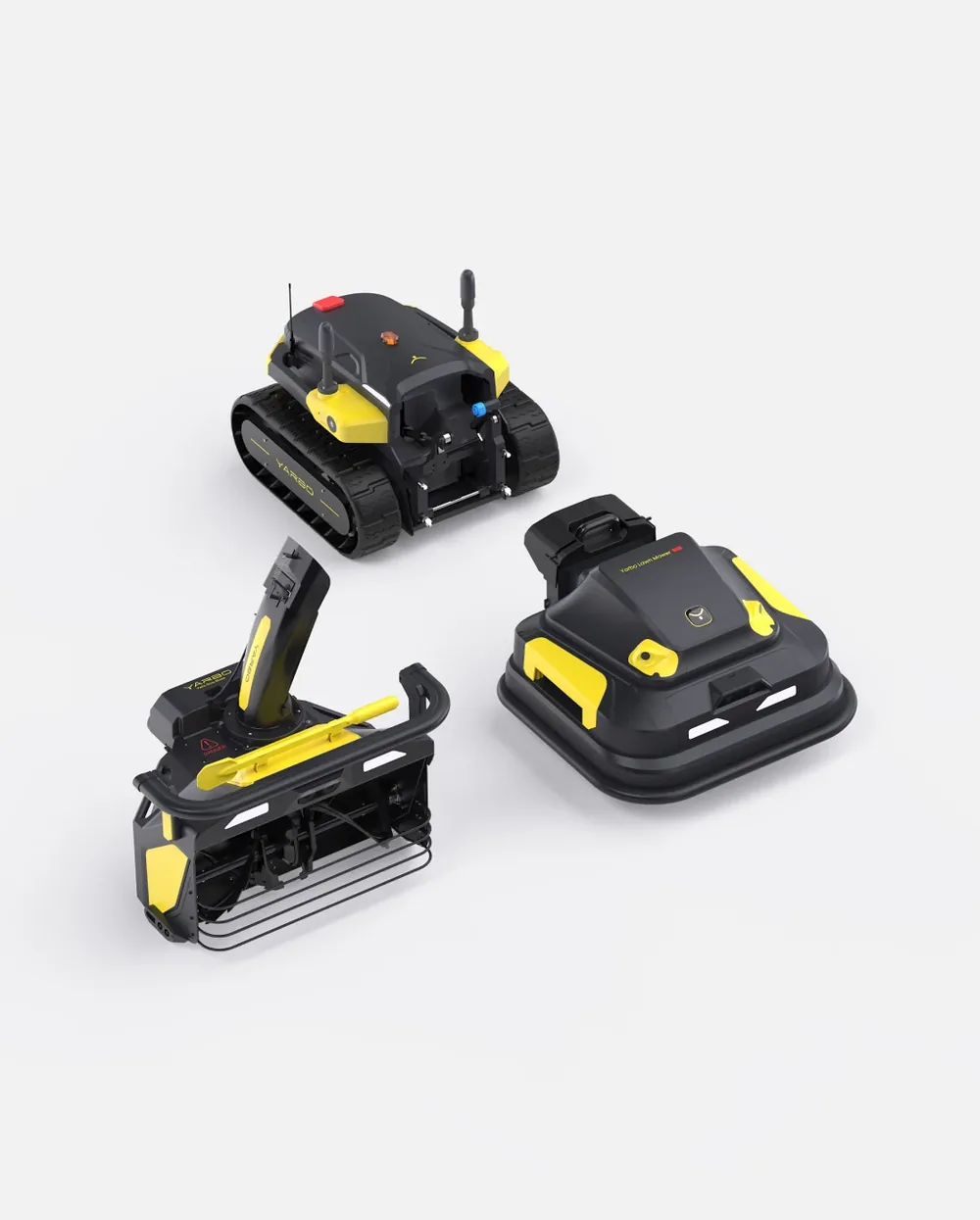
This is the Yarbo Core with its snow blower attached, the way it clears a driveway: a two-stage blower on tracks, with the chute up top. It's wider and taller than any mower we've scanned, so it's the one to see where it parks for the winter and what it fits through.

 Snow Removal · August 22, 2026 Robot Snow Blower vs. Plow Service: A Winter's Real Cost

📍 Plan your install with it
Stand where you want the dock, place the mower life-size, and take the picture. Add it to your lawn in the free Zippy Lawnz app with the outlet and the antenna spot, and the picture does the explaining:
Yes. We scanned the real Yarbo Snow Blower ourselves with an iPhone's depth sensor, at real size, and the camera view locks the size: you can drag it and turn it, but a pinch won't make it bigger or smaller.
No. Open this page on your phone and tap See it in your yard. An iPhone opens it in Apple's AR Quick Look, an Android phone in Google's Scene Viewer. The free Zippy Lawnz app has it too, a tap away under your mower's photos.
Yes. Text them this page's link. On their phone they tap See it in your yard, and the machine appears in their own yard, life-size. The share button inside the camera view sends this page too.
Not yet. This scan is the machine on its own. The charging station comes next, set beside it so you can plan where it docks.
Yes, and that's one of the best uses for it. Stand where you want the dock, place the mower life-size, and take the picture. Add it to your lawn in the free Zippy Lawnz app (My Lawn → Show us exactly where it goes) with the outlet and the antenna spot, and our installers set it up right there. Send the same picture to your spouse and settle where it goes before anyone drills a hole.
Map your driveway free and we'll tell you: the slope, the surface, where the snow can go and where the Yarbo parks all decide it.
Seen the size? Now see the fit. Map your driveway free and we'll tell you if a Yarbo can clear it.
📍 Map my driveway freeMore in 3D: Navimow X4 · Yarbo Y40 · Mammotion LUBA 2 · Lopkin L2500 · Navimow i110 · Roborock RockNeo Q1