
LUBA 3 Firmware Update: Cloud Mapping, DropMow & Live Video
Most firmware updates are housekeeping. Bug fixes, a tweak to obstacle avoidance, maybe a UI change nobody asked for.
This one isn’t that.
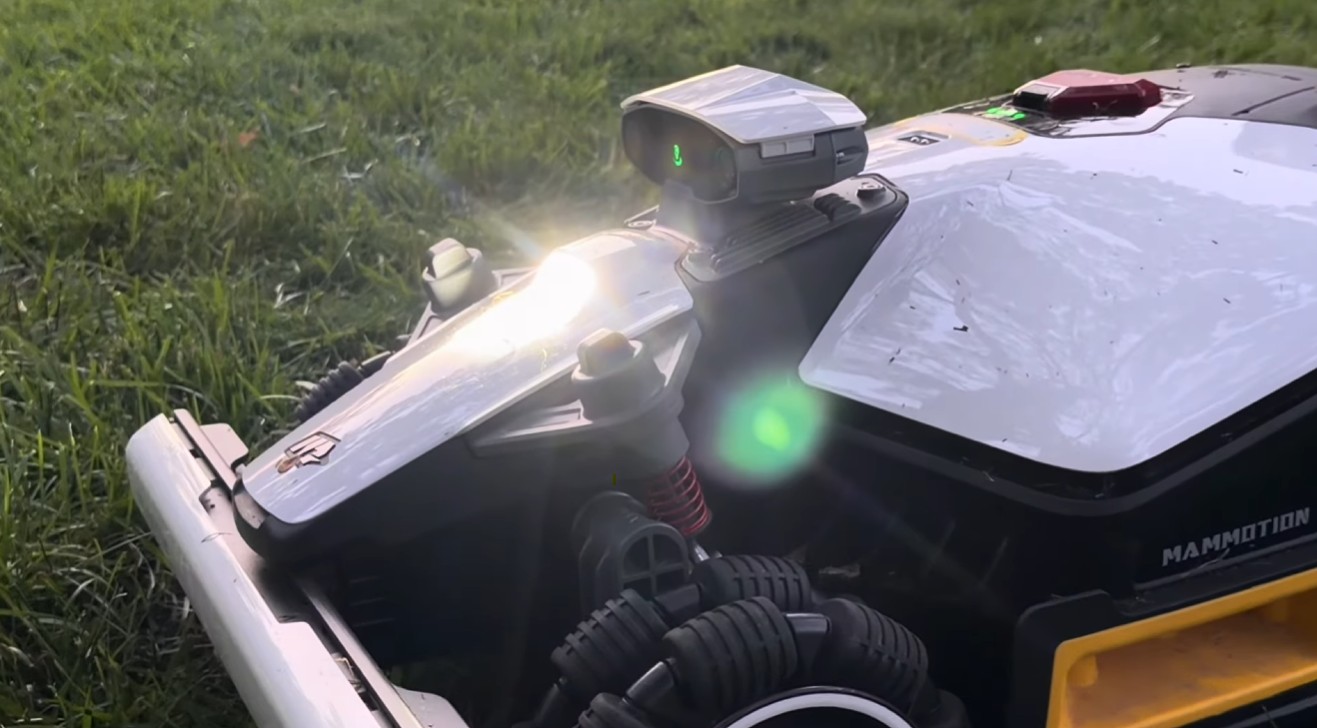
Mammotion’s latest round of LUBA 3 AWD firmware adds three features that change what the mower can actually do — not just how well it does it. Cloud mapping lets you store and swap between multiple lawns. DropMow lets you mow an area without mapping it first. And live video puts a real-time camera feed from the mower into your phone.
If you own a LUBA 3, you may already have these sitting in your app without realizing it. If you’re shopping, these features shift the math on a few use cases that used to be dealbreakers.
Here’s what each one does, how to turn it on, and — more importantly — who it’s actually for.
1. Cloud Mapping: one mower, up to 10 lawns
What it does
The LUBA 3 AWD can store up to 10 lawn maps in the cloud and switch between them in seconds — no remapping, no starting from scratch.
That sounds like a small quality-of-life feature until you think about what mapping used to cost you. Mapping a property is the single most time-intensive part of owning a robotic mower. It’s the part that makes people nervous at purchase, and it’s the part that made “just move the mower to the other yard” a genuinely painful proposition. Every relocation meant redoing the work.
Now the map is a saved file you load, not a chore you repeat.
How to use it
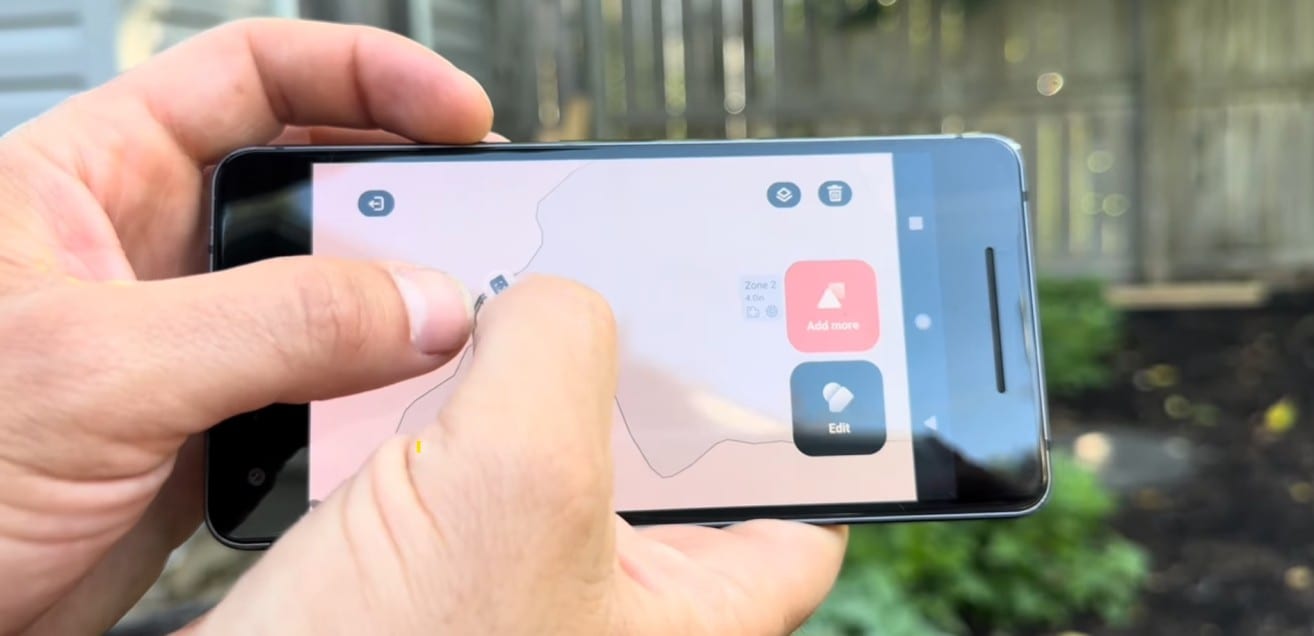
Maps sync to your Mammotion account, so switching between saved properties happens in the app. Once a lawn is mapped and stored, pulling it back up is a matter of selecting it from your saved maps rather than walking the perimeter again.
Who this is actually for
This is the feature with the widest reach, and it opens up four scenarios that were previously awkward:
- Multi-property owners. If you’ve got a primary residence and a weekend place, you no longer need two mowers or two mapping sessions. Map both once, load whichever one you’re at.
- Family and neighbor sharing. This is the big one. The economics of a robotic mower change completely when the cost can be split. Two or three neighbors on a quiet street, one LUBA 3, three saved maps — that’s a real arrangement, and cloud mapping is what makes it practical instead of theoretical.
- Property managers and small operators. If you’re maintaining a handful of accounts, you’ve got the map capacity to run a route rather than a single site.
- Complex single properties. Some large or segmented lots are better handled as multiple distinct maps than one sprawling one. The capacity gives you room to break the property into logical chunks.
2. DropMow: mow without mapping first
What it does
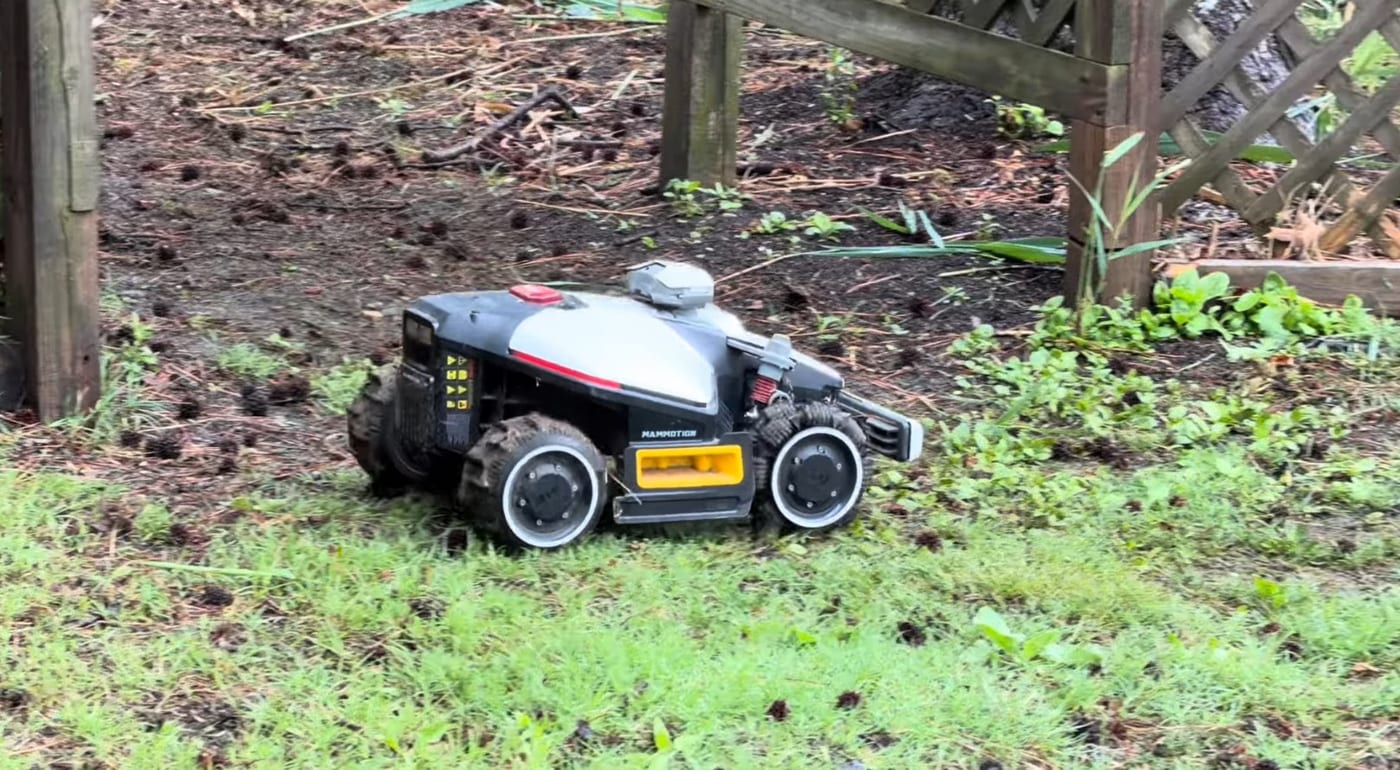
DropMow is the one that breaks people’s mental model. You set the LUBA 3 down in an area, and it mows — no map required, no perimeter walk, no setup.
Everything we know about robotic mowers says the map comes first. The map is the whole contract: this is where you mow, this is where you don’t. DropMow throws that out for a specific set of situations and lets the mower’s onboard sensing figure it out on the fly.
It leans on the LUBA 3’s Tri-Fusion navigation stack — 360° LiDAR, NetRTK positioning, and dual-camera AI vision — to understand its surroundings without a pre-built boundary to work from.
How to use it
DropMow can be enabled from the Mammotion app or triggered directly from the mower itself. Worth noting: this feature has been rolling out in beta, so behavior may keep evolving as Mammotion refines it. Check that your firmware is current.
Who this is actually for
DropMow isn’t a replacement for mapping your main lawn. It’s a tool for the edges:
- One-off areas. The strip behind the shed. The side yard you cut four times a year. The patch by the mailbox. Areas that never justified the mapping effort now cost you nothing to mow.
- Overflow and irregular zones. Places that fall outside your regular schedule but still need attention occasionally.
- Testing before you commit. Want to know how the mower handles a section before you formally add it to a map? Drop it and watch.
- Dealer and demo use. Speaking from experience here — being able to set a mower down on a customer’s lawn and have it start cutting, with no setup, is a fundamentally different sales conversation than “give me 45 minutes to map this.”
- Access-limited areas. If a section of your property is separated by a step, a curb, or a gap the mower can’t traverse, DropMow gives you a way to service it. Carry the mower over, set it down, let it work.
3. Live video while mowing
What it does
Real-time camera feed from the LUBA 3, streamed into the Mammotion app. You see what the mower sees, from anywhere.
How to use it
Live view is one of the connected features that runs through the mower’s cellular link. The LUBA 3 ships with 4G service included for an initial term, and connected features like live view, remote monitoring, and remote map editing ride on that connection. Worth understanding the terms before you build a habit around it.
Who this is actually for
This one’s easy to write off as a novelty. It isn’t, for three reasons:
- Diagnostics. When the mower stops, “why?” used to mean walking outside. Now it means opening the app. You can see the obstacle, the terrain, the puddle, the toy left in the yard — and decide whether it needs you or not.
- Remote peace of mind. If you’ve got a second property, or you travel, or you’re just at work, you can confirm the mower is doing its job rather than sitting stuck in a corner.
- Security-adjacent awareness. It’s not a security camera and shouldn’t be sold as one. But a mobile camera moving around your property does give you a look at things you wouldn’t otherwise see.
What this update actually means
Step back and there’s a pattern here.
Every one of these features attacks a friction point, not a performance point. The LUBA 3 already cut grass well — the AWD handles slopes up to 80%, the LiDAR navigation is solid, the runtime is what it is. Mammotion didn’t need to make it a better mower.
What they made it is a more flexible mower. Cloud mapping removes the penalty for owning multiple properties. DropMow removes the penalty for mowing somewhere new. Live video removes the penalty for not being home. Each one takes a reason someone might have said “that won’t work for my situation” and quietly deletes it.
That’s a meaningful shift, and it’s worth noting it arrived via firmware. The hardware you bought last season is a more capable machine this season. That’s the argument for the whole category, honestly — and it’s a real advantage over anything with a fixed feature set.
How to update your LUBA 3
If you’re not seeing these features:
- Open the Mammotion app and connect to your mower
- Check for available firmware updates in device settings
- Keep the mower on the charging station with a solid connection during the update
- Don’t interrupt the process — let it finish
Feature availability can vary by region and by model within the LUBA 3 AWD series, and some features roll out in stages. If you’ve updated and something’s missing, it may simply not have reached you yet.
Questions? We’re here.
Zippy Lawnz is an authorized Mammotion dealer and service center with nationwide sales, shipping and support — plus hands-on install, mapping and service across Pennsylvania, New Jersey, Maryland, Delaware, Virginia, and Colorado. We sell these machines, but more importantly we install them, service them, and answer the phone when something goes sideways.
Not sure whether a LUBA 3 fits your property? Try our free Zippy Lawn Mapping tool — map your lawn in two minutes and we’ll tell you honestly whether this is the right mower for it.
And if you’d rather watch than read, the full video walkthrough of this update is on The Robot Lawn Mower Podcast channel, where we show each feature in action.
Frequently asked
What is DropMow on the Mammotion LUBA 3?
DropMow lets the LUBA 3 mow an area with no map at all — set it down and it cuts, using its 360° LiDAR, NetRTK and dual-camera AI vision to understand its surroundings on the fly. It's not a replacement for mapping your main lawn; it's for one-off areas, overflow zones, testing a section before you map it, and spots the mower can't drive to on its own. It's been rolling out in beta, so keep your firmware current.
How many lawns can a LUBA 3 store with cloud mapping?
Up to 10 lawn maps, synced to your Mammotion account. Switching between saved properties takes seconds in the app — no remapping. That makes multi-property ownership, neighbor-sharing one mower, and small property-management routes genuinely practical.
Does the LUBA 3 live video need a subscription?
Live view runs over the mower's cellular link. The LUBA 3 ships with 4G service included for an initial term, and connected features like live view, remote monitoring and remote map editing ride on that connection — so it's worth understanding the service terms before you build a habit around it.
How do I update my LUBA 3 firmware?
Open the Mammotion app, connect to your mower, and check device settings for available firmware updates. Keep the mower on its charging station with a solid connection while it installs, and don't interrupt the process. Feature availability can vary by region and model, and some features roll out in stages.
Is DropMow safe to use without a boundary?
DropMow leans on the LUBA 3's onboard sensing — LiDAR, RTK and camera vision — instead of a mapped boundary, and it's intended for contained, supervised situations: a strip behind the shed, a demo on a customer's lawn, a section you're testing. For your main lawn, a proper map is still the contract that tells the mower exactly where to mow and where never to go.
Keep reading
 Customer InstallsWhy We Installed a Mammotion LUBA 2 in Coatesville, PAThe LUBA 3 is shipping — so why install a LUBA 2 in Coatesville, PA? An honest dealer look at value, LiDAR, stream-safe mapping and under-fence mowing.
 Installation & SetupHow to Map Your Lawn With a Navimow (And How Long It Takes)The 10-step Navimow mapping process a dealer actually uses — dock, RTK, perimeter, no-gos, channels — plus honest install times by lawn size.
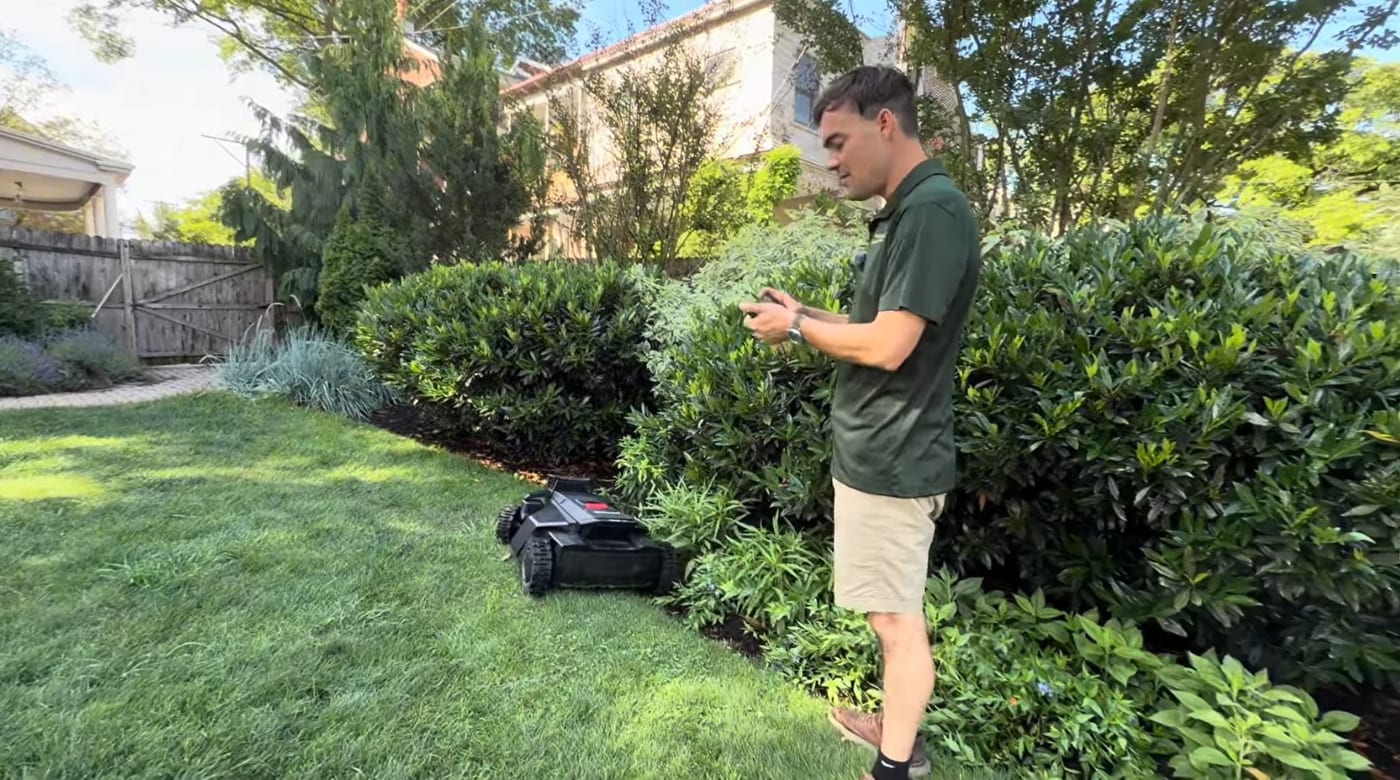 Installation & Setup10 Robotic Lawn Mower Mapping Tips (Avoid Costly Mistakes)Mapping makes or breaks a robot mower — most problems trace back to it. 10 tips on dock placement, channels, no-go zones, virtual fences, RTK signal and more.
Explore the system
The mowers and pages behind this topic — see them sized to your yard.